
Create your Journey from the Template
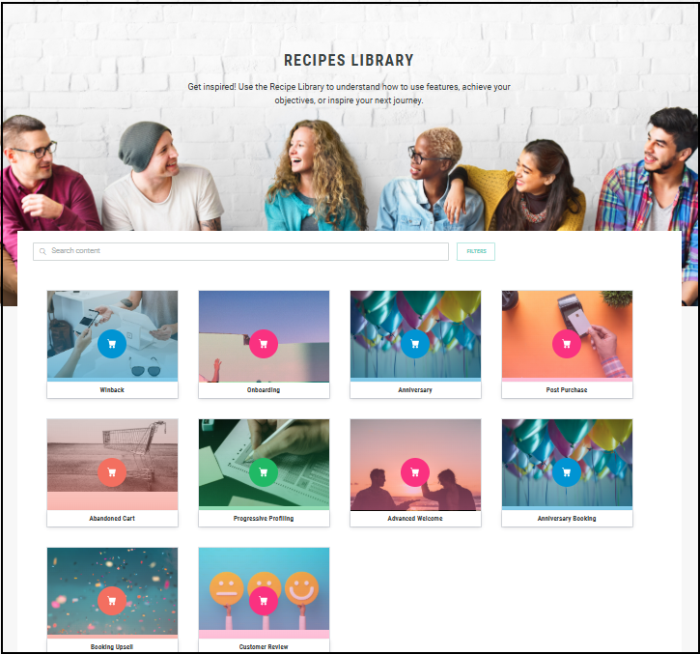
From the Journeys Home page, click Library from the top menu. You will be presented with various types of Journey templates.
-
Select the required template, such as the Abandoned Cart template.
-
In the displayed template window, click Use this template.
-
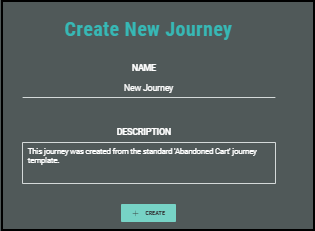
In the Create New Journey Window, enter a meaningful name that reflects the purpose and helps to identify the Journey.
-
Edit the description as needed to reflect the purpose of the Journey.
-
Click Create.
The Journey is created, however, needs some mandatory configuration to be done. A warning message is displayed to reflect this. You can ignore this message for now and close this warning dialog to continue to the next step.

