
Guidelines to Using Custom Fonts in a Theme
This article will guide you on how to add custom fonts to a theme and use them.
Before you begin
Your font must be available in the following web formats:
- .eot
- .woff
- .woff2
- .svg
Including all three font formats will provide maximum coverage of support for end-user browsers, missing one or more may cause display issues. Also avoid using complex font file names, especially if the file contains multiple periods/dots. For example, myfont-1.0.woff would be best named myfont-1_0.woff.
A quick note on TTF and OTF fonts
TTF fonts are not optimized for web delivery and are not directly supported for use in the Grow platform. However, there are a number of online tools that will allow you to convert TTF files to other formats such as WOFF, removing most of the unnecessary content from the font file in the resulting converted format.
While OpenType (.otf) fonts can be used on the web, they are not the ideal format for most web font applications.
How to upload and use a custom font in your theme
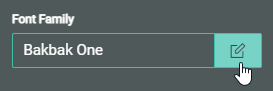
For all Font Family fields in the Theme Designer, you can click on the Pencil icon to edit the font family.
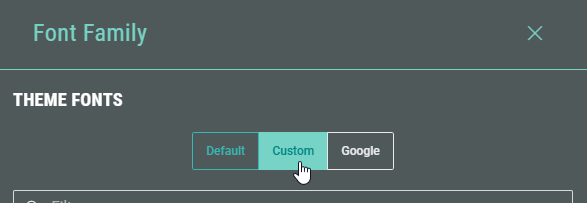
Click on Custom to navigate to the Custom Fonts section.
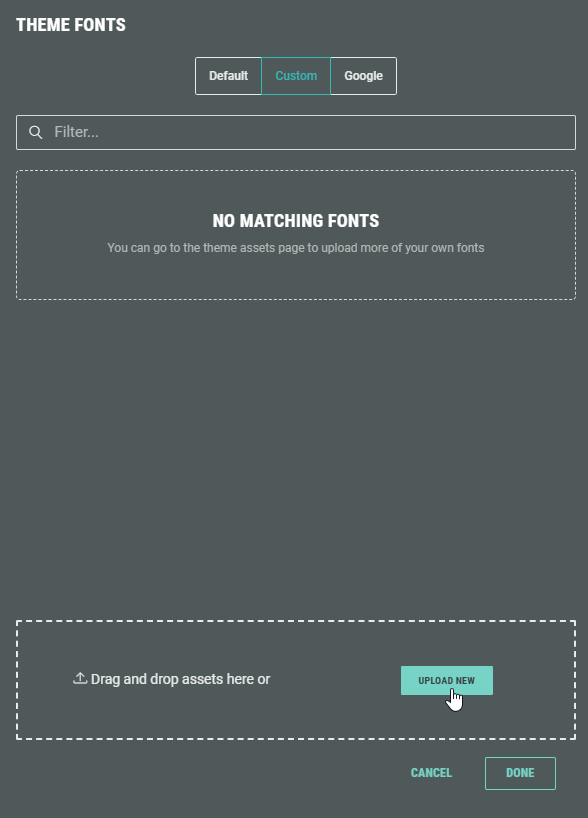
You can upload a new custom font by clicking the Upload New button.
You can upload a single font or multiple fonts at once.
You'll see the fonts that have successfully been uploaded and the ones that are still being processed:
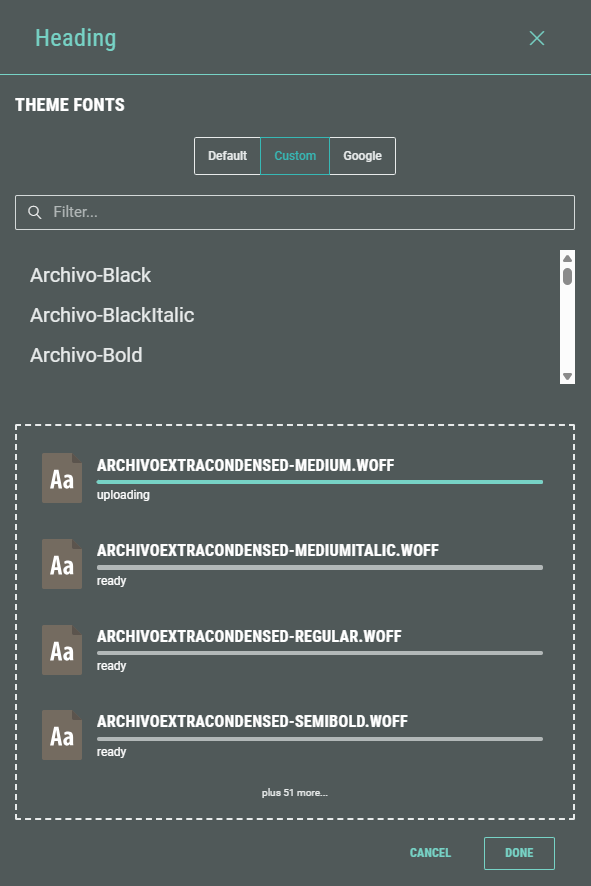
Once all fonts are uploaded, the complete list of you your custom fonts is available:
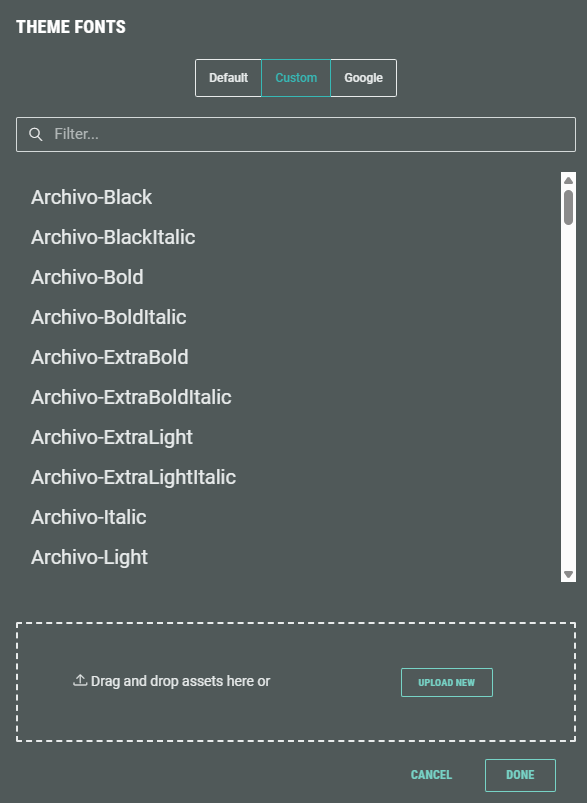
You can select a font, and click Done.
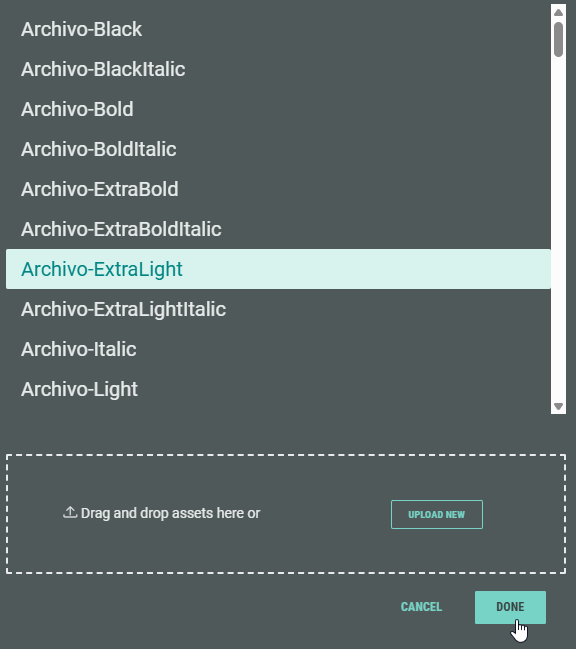
Your selected custom font is then used as font family for the selected item(s) in the Theme Designer.
Note: You can also upload new custom fonts in the Assets > Fonts section of the Theme Designer.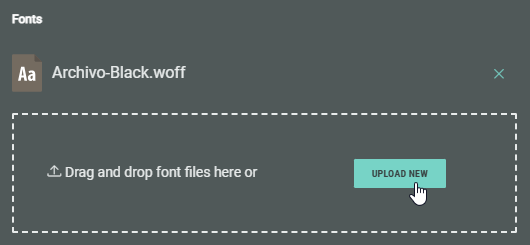
Defining multiple fonts
From the Theme Fonts screen, you can only select a single (Default, Custom or Google) font.
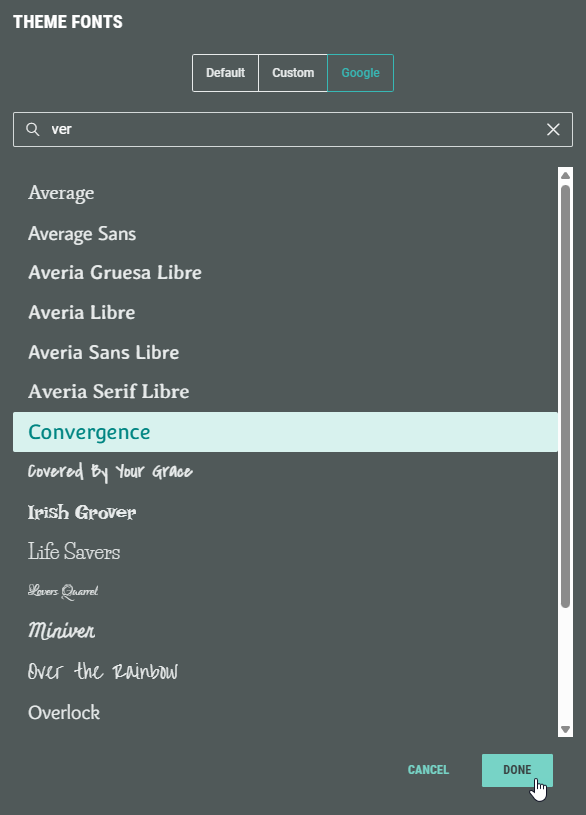
It's possible though to add multiple (backup) fonts, by manually typing a comma-separated list of font names.
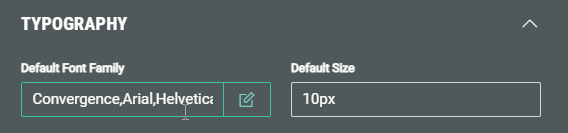
Note: Be sure to wrap fonts containing spaces with quotes.
For example:
'My font 1','My font 2','Bold Font',Arial,Helvetica
