
Zeta Login Administrators
Business Unit Administrators and Organization Administrators have access to a separate Zeta Login Administration environment that is accessible from within the User Workspace portal.
To toggle to the Zeta Login Administration environment:
-
Log into the Zeta Login User Workspace.
-
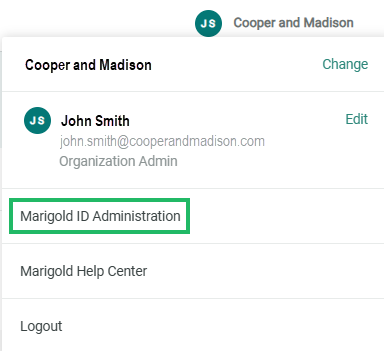
Click your profile icon in the top-right corner of the screen. The Profile Info pop-up window is displayed.
-
Within the Profile Info pop-up window, click Zeta Login Administration. This will take you to the Zeta Login Administration environment, with the Users tab selected by default.
For more information on the administrative capabilities of the different Administrator types, please see:
