
View User Groups
The Zeta Login Administration environment provides administrators with a list of User Groups defined within their Organization.
Note: This feature is available for Business Unit Administrators and Organization Administrators.
To view the list of User Groups:
-
Log into the Zeta Login User Workspace.
-
Click your profile icon in the top-right corner of the screen. The Profile Info pop-up window is displayed.
-
Within the Profile Info pop-up window, click Zeta Login Administration. This will take you to the Zeta Login Administration environment, with the Users tab selected by default.
-
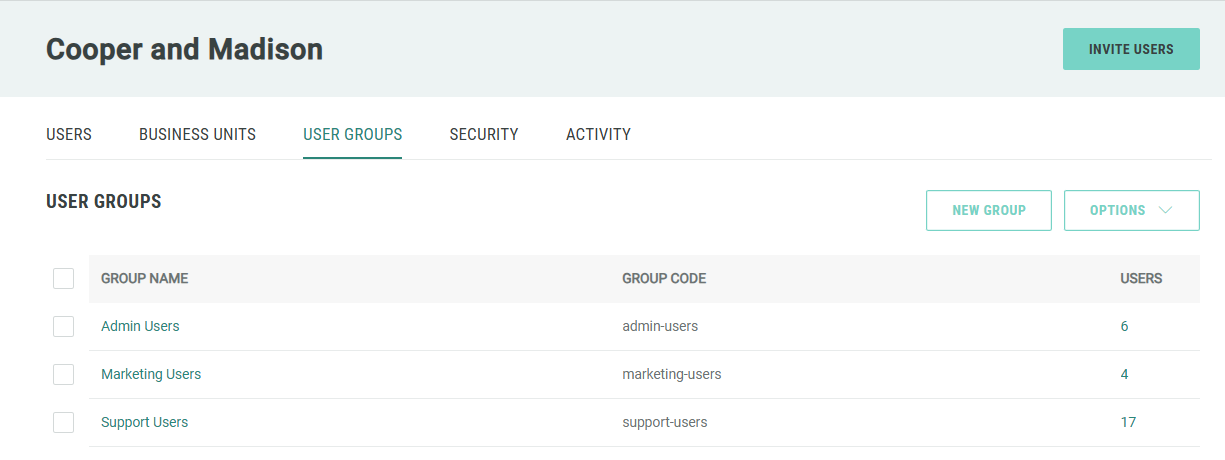
Select the User Groups tab. For each User Group, the screen shows its code, and the number of users assigned to it.
Note: Organization Administrators have the ability to create and manage User Groups, as well as to assign users to User Groups. For more information, please see Getting Started with User Groups.
