
Google Analytics
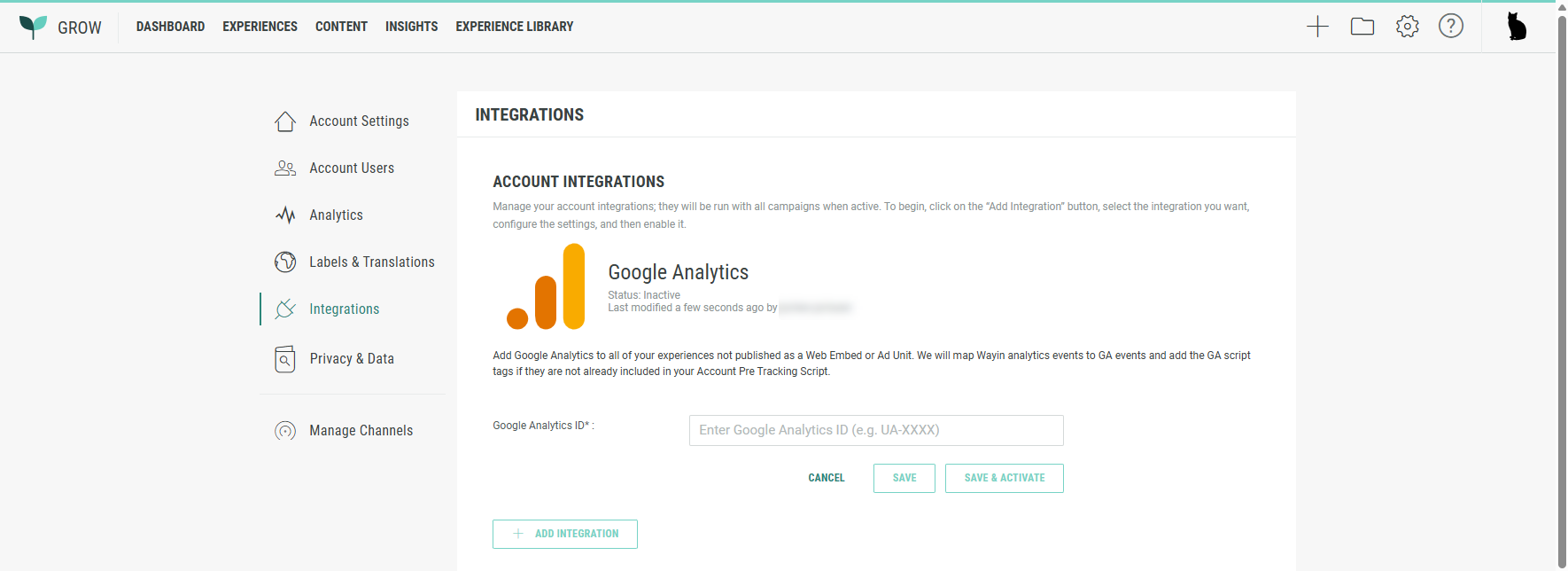
To add a Google Analytics integration in Grow, execute the following steps:
- Navigate to your account integration management area /admin/account/integrations.
- Click the Add Integration button.
- Select Google Analytics from the available options.
- Configure your Google Analytics integration.
- Provide the Google Analytics ID.
- Click Save & Activate.
Attachment
