New features in Grow
March 2025
Please note that all new release notes and new/updated help topics are written in the context of NextGen Experiences.
How to: Change your unique Customer ID
BACKGROUND:
Experiences containing forms collect data from your customers. By default, the Grow platform uses the email address as the unique identifier for each customer. This ensures that the data collected in the Experience links to the correct customer profile, to recognize individual entries and to enforce entry rules.
However, the email address may not be your preferred customer identifier — for example, if you use Loyalty Member ID or Messaging ID.
SOLUTION:
You can now configure a different customer identifier in the form settings when setting up your Experience.
Note: All Experience types contain a form, except for Social Story and Embeddable Story that are meant for editorial content only.
What this looks like in Grow:
On the Advanced tab of the form settings, you can change the Customer ID from the drop-down (to any Email, Number, Phone or Text field).
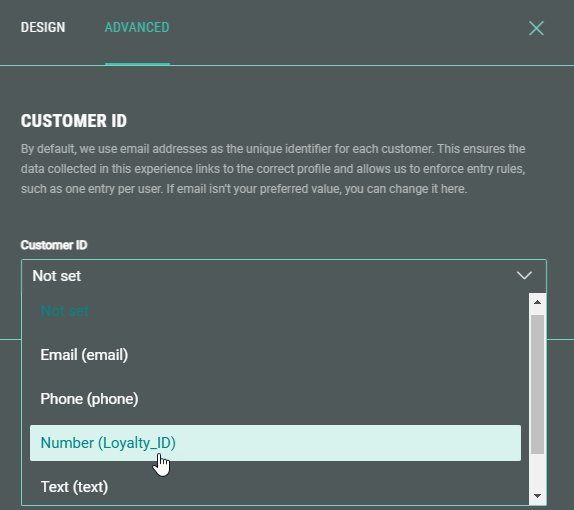
The customer ID will be visible in any reporting and external systems (such as API, ESP, CDP, CRM, etc.)
More details on the Customer ID configuration can be found here.
How to: Set up a Sailthru integration
BACKGROUND:
Previously, sending data collected from a Grow Experience within Sailthru required you to contact our services team, who then had to perform manual configuration steps.
SOLUTION:
From now on, you can seamlessly connect Grow with Sailthru to effortlessly sync user data and enhance customer profiles in real-time with our simple, marketer-friendly integration.
What this looks like in Grow:
You can easily set up a Sailthru integration at account level or Experience level.
Define the API credentials to connect to Sailthru, select which list(s) you would like to add your subscribers to, and map your Grow friendly IDs to your Sailthru custom fields.
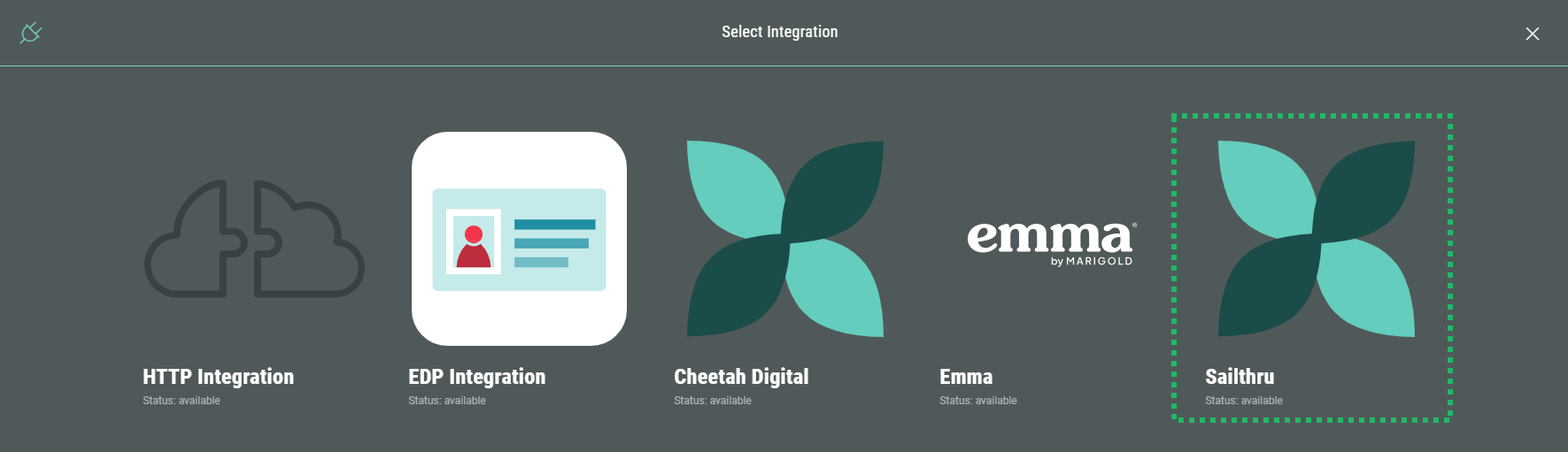
After publishing the integration, you're good to go!
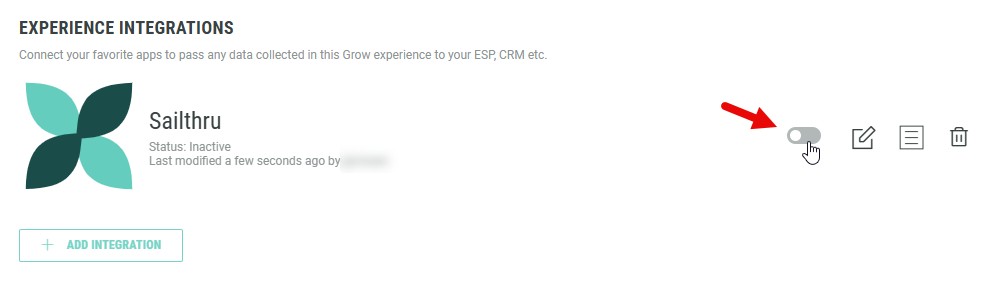
More details on the Sailthru integration can be found here.
Other improvements
A higher z-index value for lightboxes
We’ve increased the z-index of the lightbox to ensure it appears above all other page elements. This means no more unexpected layering issues — your lightbox will reliably show up front and center, just as intended.