New features in Grow
June 11, 2025
Version 25.12
Please note that all new release notes and new/updated help topics are written in the context of NextGen Experiences.
Storage of API Keys
BACKGROUND:
Previously, API credentials had to be entered manually during every new integration (such as an integration with Sailthru).
SOLUTION:
Now, credentials can be stored securely by setting up an API Key once in a dedicated section.
The API Key storage eliminates the need to re-enter the same information each time you create an integration.
What this looks like in Grow:
Creating an API Key
On the Integrations screen, underneath the Account integrations section, there's a new section called API Keys.
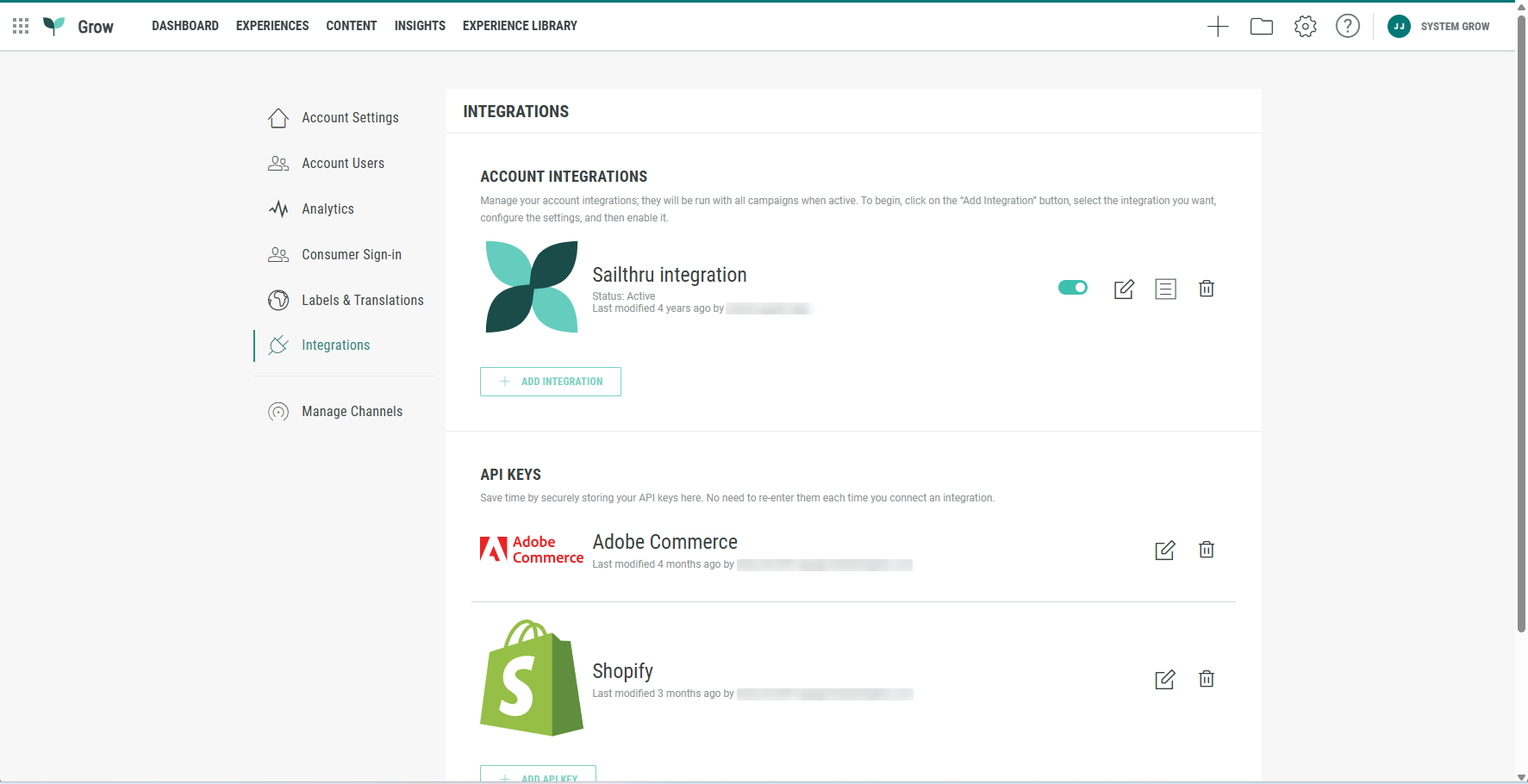
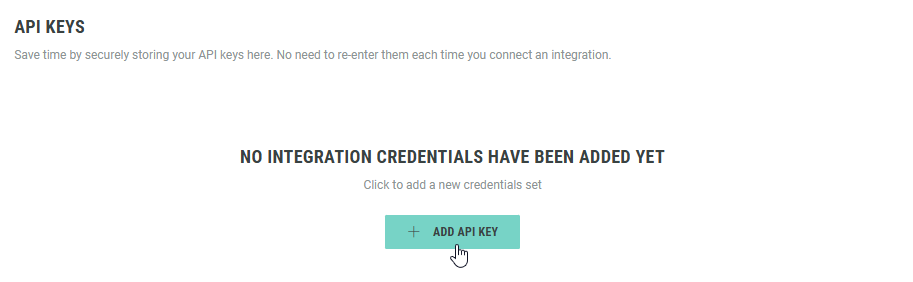
You can set up a new API key by clicking the + Add API Key button.
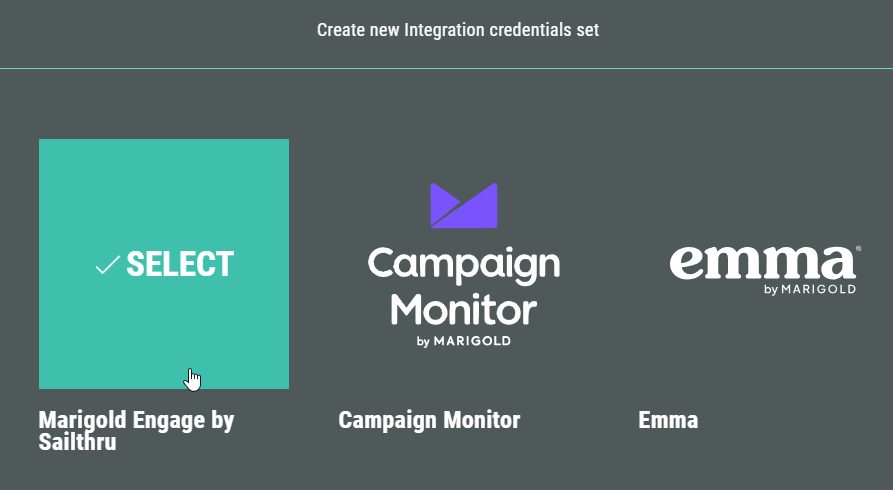
This will run you through a wizard, in which you select one of the available self-serve integrations (for example: Sailthru).
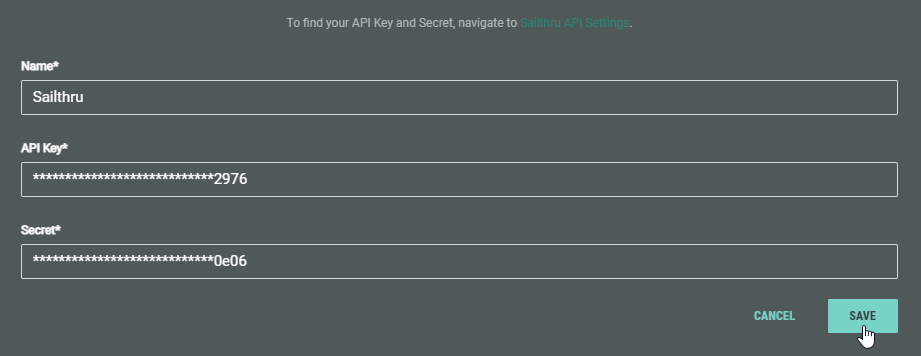
You define the API credentials once and save them.
Using a stored API Key during creation of a new integration
When you create a new integration, if a single API Key is stored for an integration type (such as Sailthru), that API Key gets used automatically.
In case multiple API Keys are configured for the same integration type, you can simply select one from a drop-down.
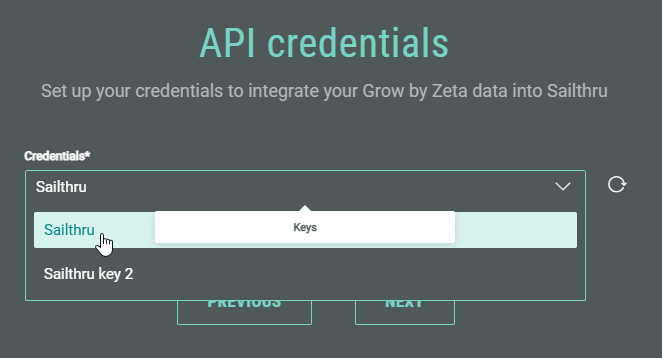
More details on the API Keys can be found in the Integrations topic.
Other improvements
Improved layout controls for choice modules
You can now customize the number of columns (2–4) when using the grid layout in single and multiple choice modules. If there's an odd number of answer options, they'll be center-aligned for a more polished look.