New features in Grow
June 30, 2025
Version 25.14
Please note that all new release notes and new/updated help topics are written in the context of NextGen Experiences.
Shopify Product Quiz
BACKGROUND:
In Grow, there's already the Product Match Quiz Experience to gather data from participants through quiz questions, and show them product recommendations as quiz results.
The Product Match Quiz Experience though requires manual importing of your product inventory, and re-uploading it to keep the inventory up-to-date with in-stock items.
SOLUTION:
Now, a Shopify Product Quiz Experience has been added to Grow.
It's a one-time integration setup with your Shopify store, which saves you having to manually upload and keep your product inventory up-to-date with in-stock items.
A Shopify Product Quiz is an outcome quiz that gathers data from entrants through Quiz Single Choice and Quiz Multiple Choice modules, and has an integration with a Shopify account.
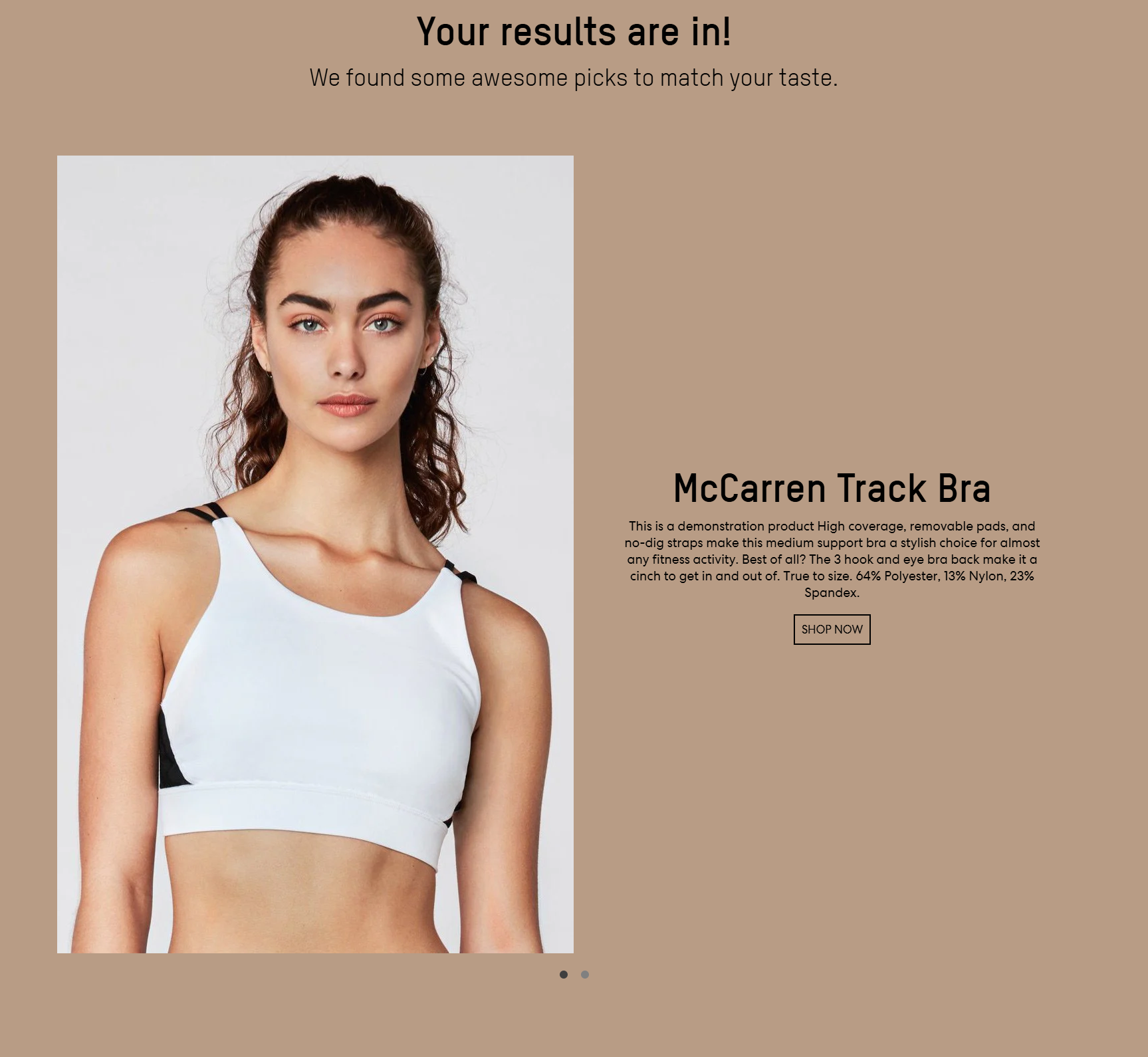
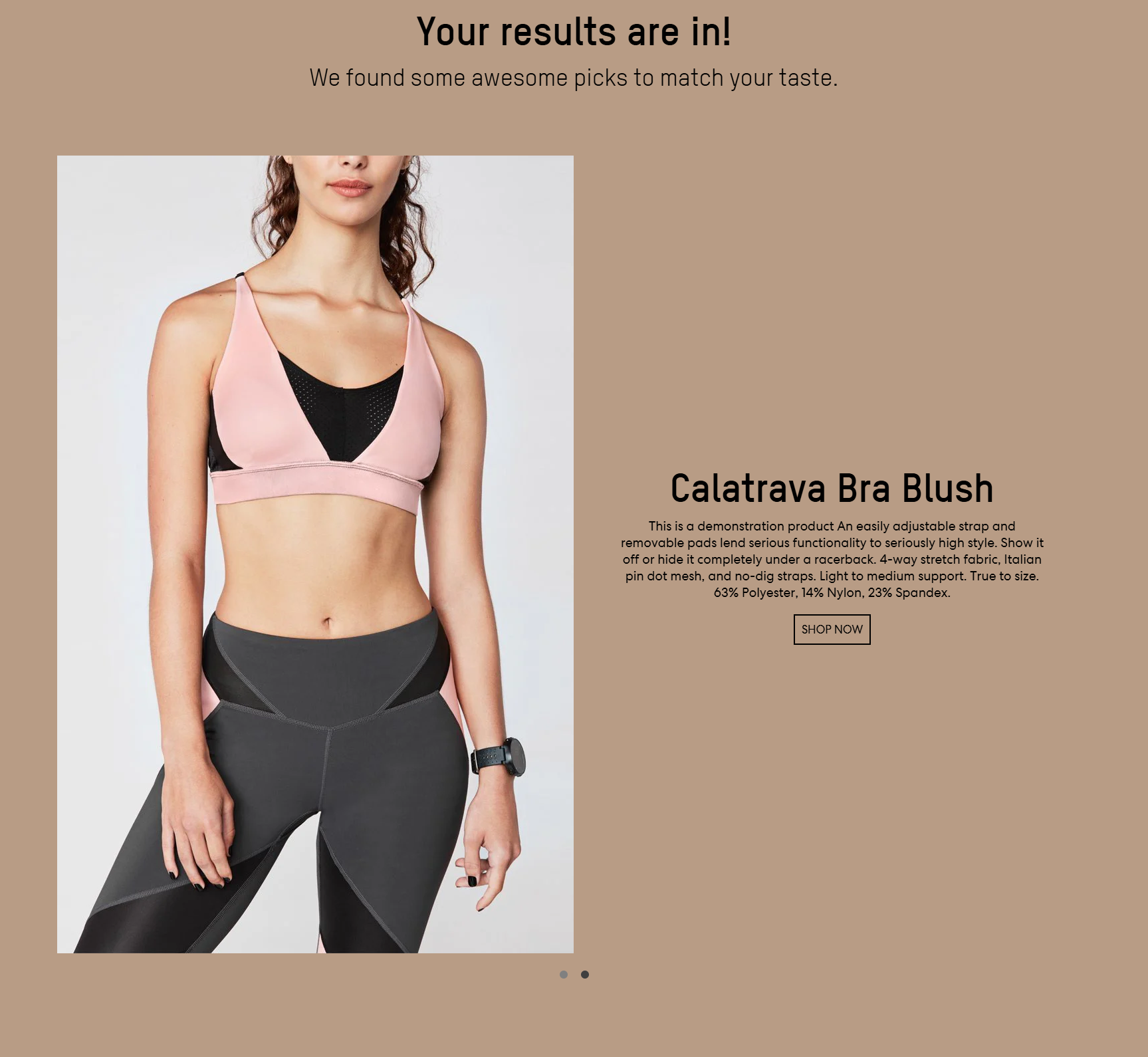
Once entrants submit their quiz answers, tailored product recommendations (from the linked Shopify store) will be shown to them as Quiz Results based on their answers.
What this looks like in Grow:
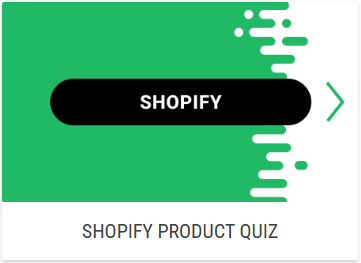
- A Shopify Product Quiz Experience is available from the Experience Library.
- Key to the Experience setup is setting up Quiz Single Choice and Quiz Multiple Choice modules to gather the right data from your entrants.
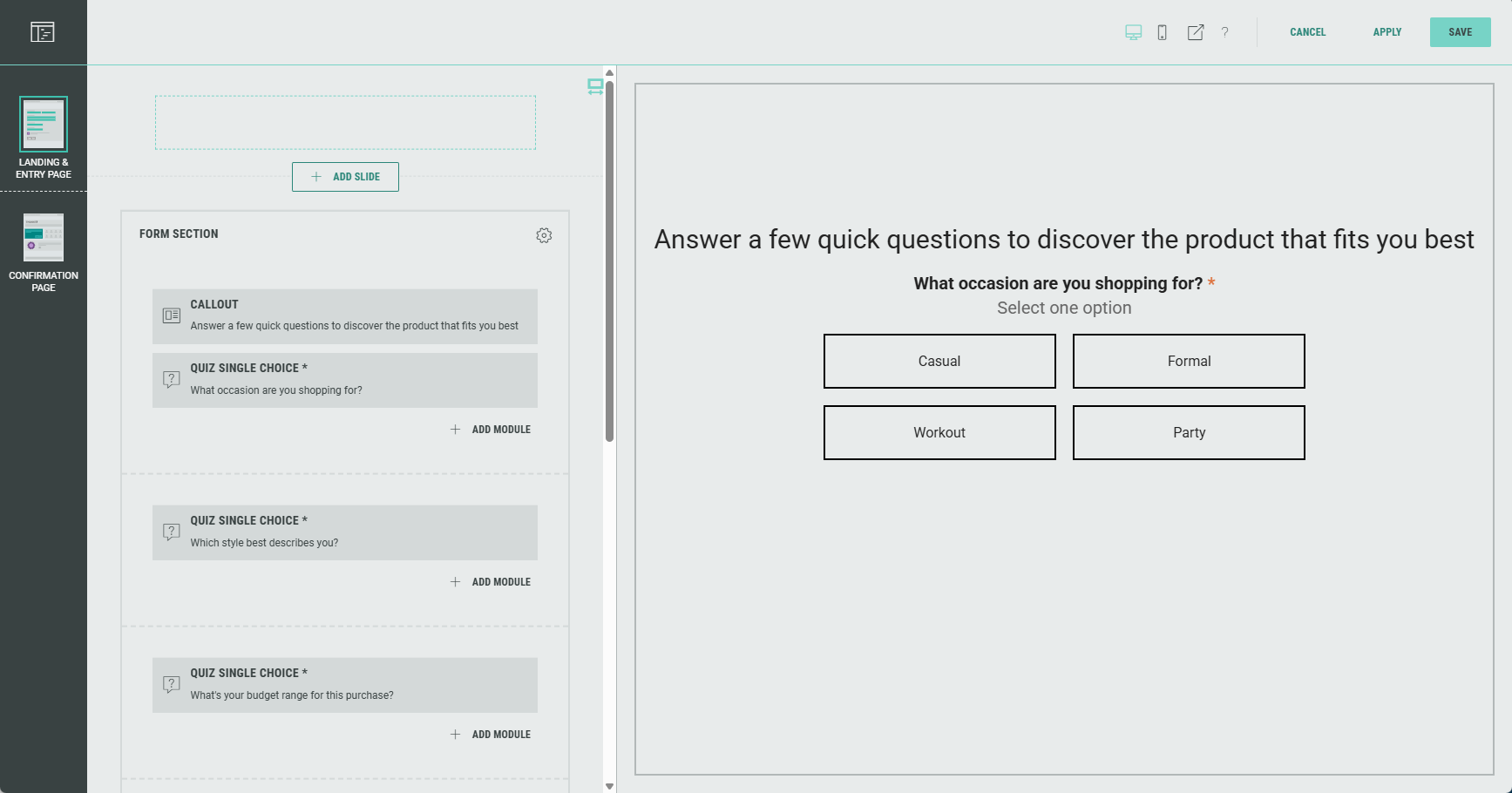
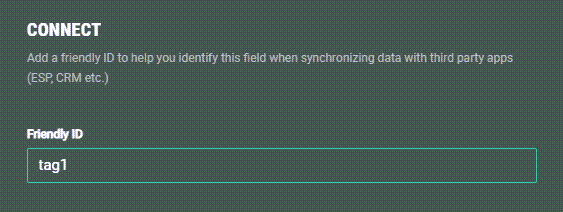
Important steps here are:
- adding a Friendly ID to your quiz question, to make it possible to link the quiz question to an applicable Shopify category later on in the Integration step.
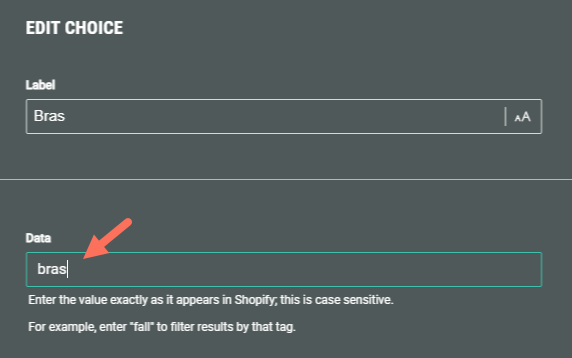
- setting a data value for each option that can be selected as an answer to the quiz question, that exactly matches a value within the Shopify category.
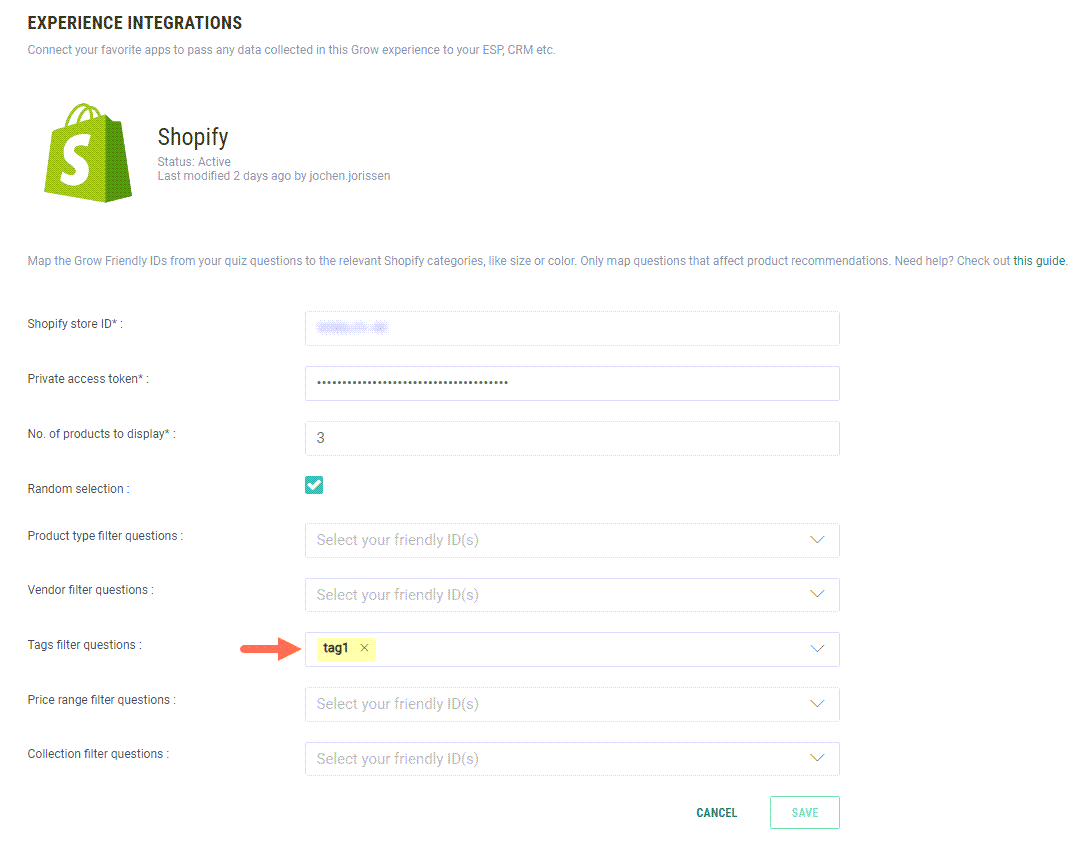
- In the Integration part, you then link the Friendly ID to one of the Shopify categories (product type, vendor, tag, price range, collection).
- When a participant runs through the Experience and answers the quiz questions, the Quiz Results on the Confirmation Page show tailored product recommendations from the linked Shopify store, based on the participants' answers.
|
|
More details on how to set up a Shopify Product Quiz can be found here.
Rewards updates
BACKGROUND:
With the added Rewards functionality for Experiences earlier this year, it was already possible to offer incentives to participants.
The way of setting up the Rewards was a bit illogical though.
SOLUTION:
The Rewards step has now been structured in a more logical way.
What this looks like in Grow:
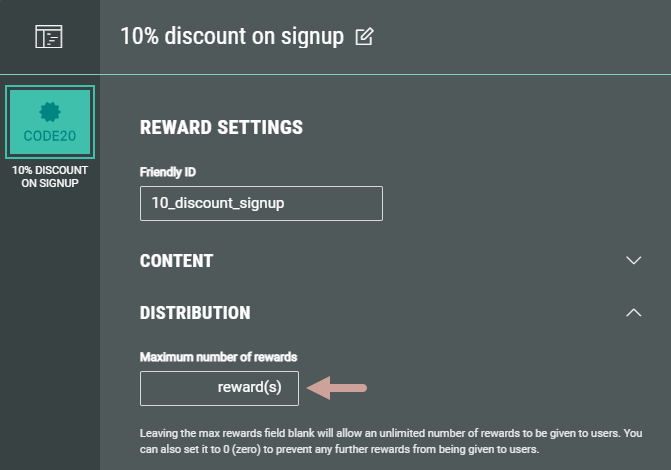
Rewards now contain Content and Distribution sections.
- In the Content section, you define the Reward Type.
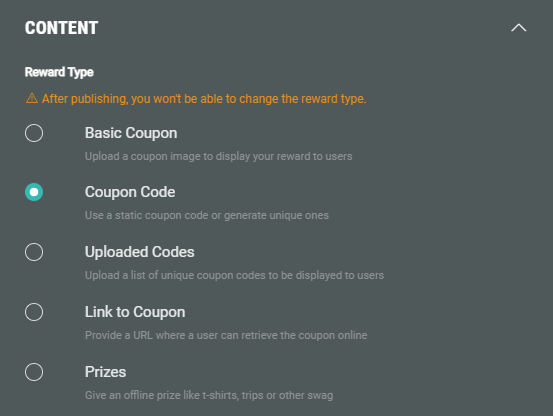
Furthermore, you also set the copy for your Reward in there.
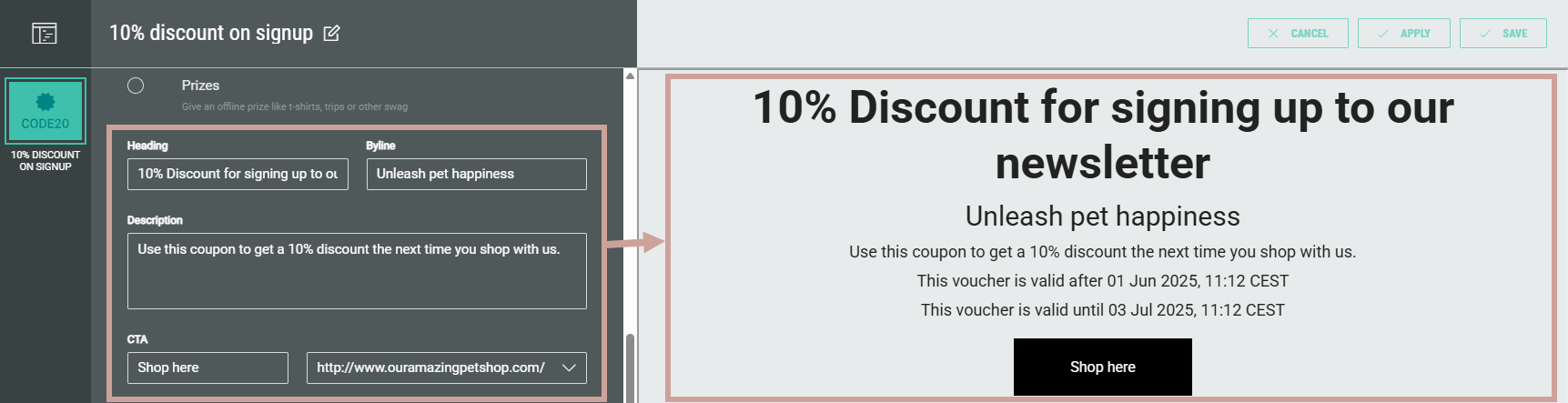
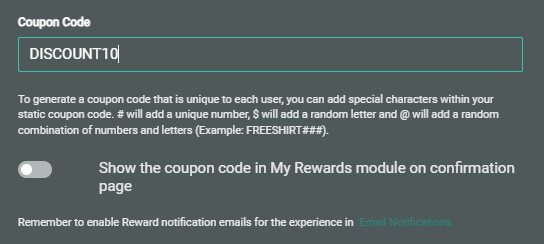
Other settings to be defined in Content are: Valid from and Valid to dates, and for example a coupon code when that's the selected type.
- In Distribution, you can enter the Maximum number of rewards you want to make available if applicable.
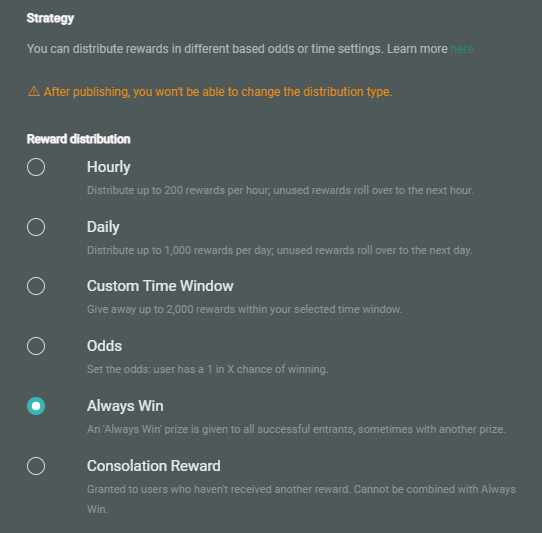
Furthermore, you set the Distribution Strategy in here, and some more advanced settings.
More details on how to add a Reward to an Experience can found here.