New features in Grow
July 22, 2025
Version 25.16
Please note that all new release notes and new/updated help topics are written in the context of NextGen Experiences.
Insights
BACKGROUND:
Insights help you understand the key metrics and performance indicators of your Experiences over a selected time period.
Grow offers global insights on all of your Experiences as well as more detailed Experience-level insights.
Many of the metrics in Grow were holdovers from an earlier, more social-focused version of the platform. They didn’t always align with how teams use Grow today.
SOLUTION:
We replaced the old insights with new KPIs and charts that surface clearer, more actionable insights.
The KPI Dashboard, Global insights, and Experience-Level insights have been redesigned to provide a more intuitive view—making it easier to access both high-level overviews and detailed information you need.
What this looks like in Grow:
KPI Dashboard
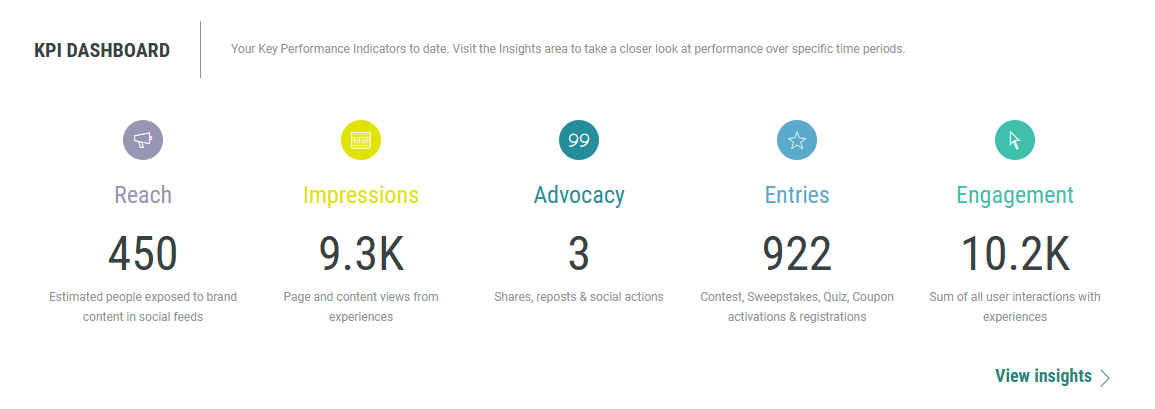
Old:
Figures were shown for the following Key Performance Indicators: Reach, Impressions, Advocacy, Entries, Engagement.
New:
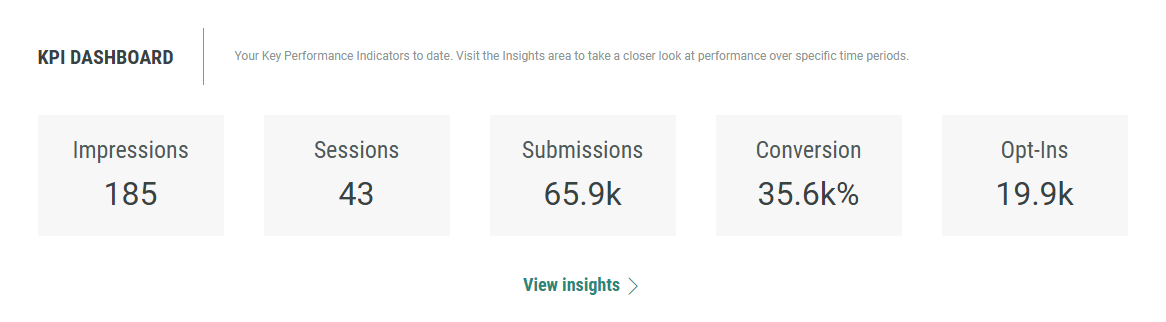
Figures are shown for the following Key Performance Indicators:
- Impressions (Experience fully loaded on-screen)
- Sessions (when engagement occurs)
- Submissions (submitted forms)
- Conversion (number of submissions divided by the number of impressions)
- Opt-ins (the entrant consented to one or more opt-ins)
Global insights
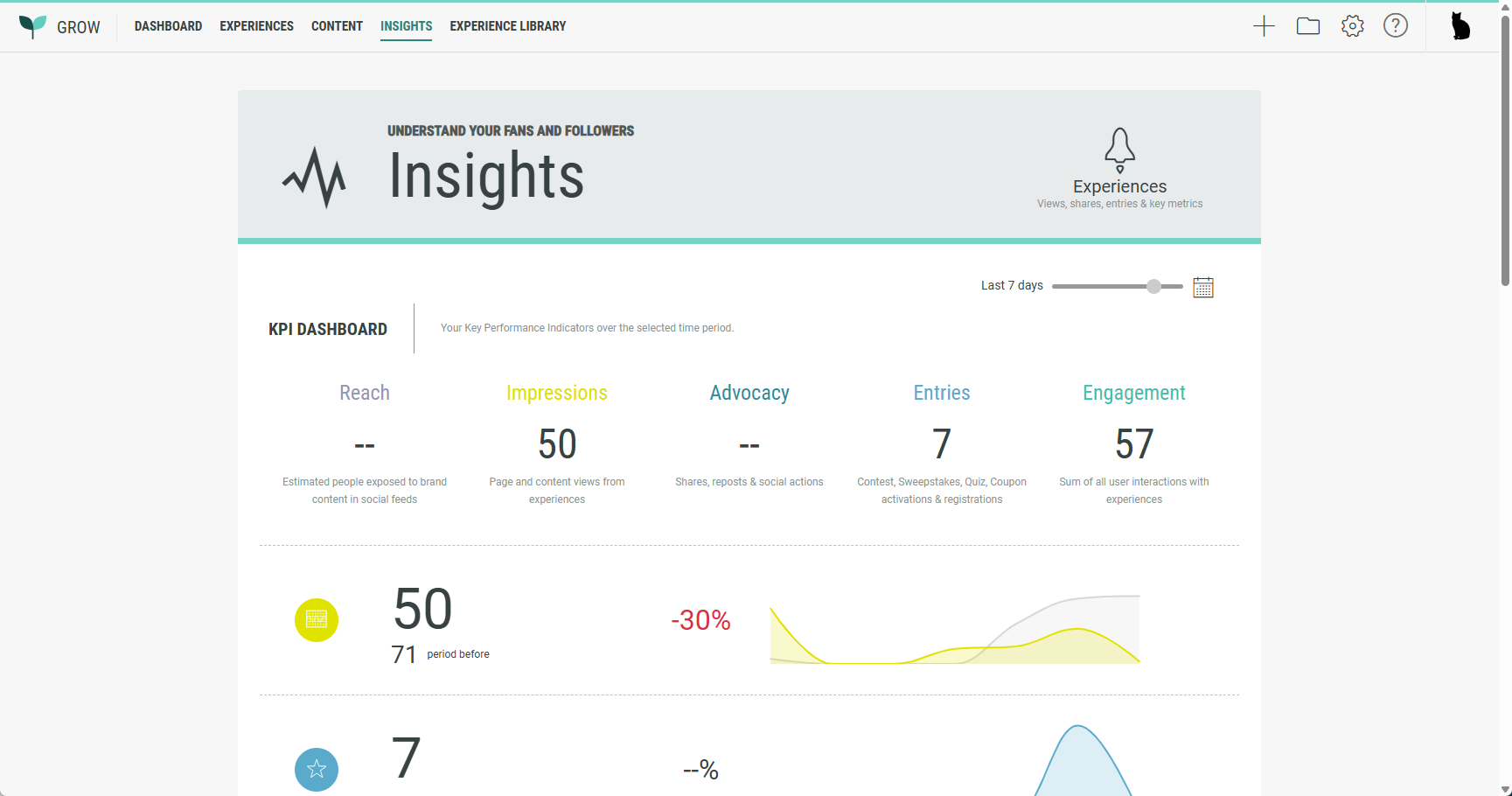
Old:
Charts and figures provided global insights based on the following KPIs: Reach, Impressions, Advocacy, Entries, and Engagement.
New:
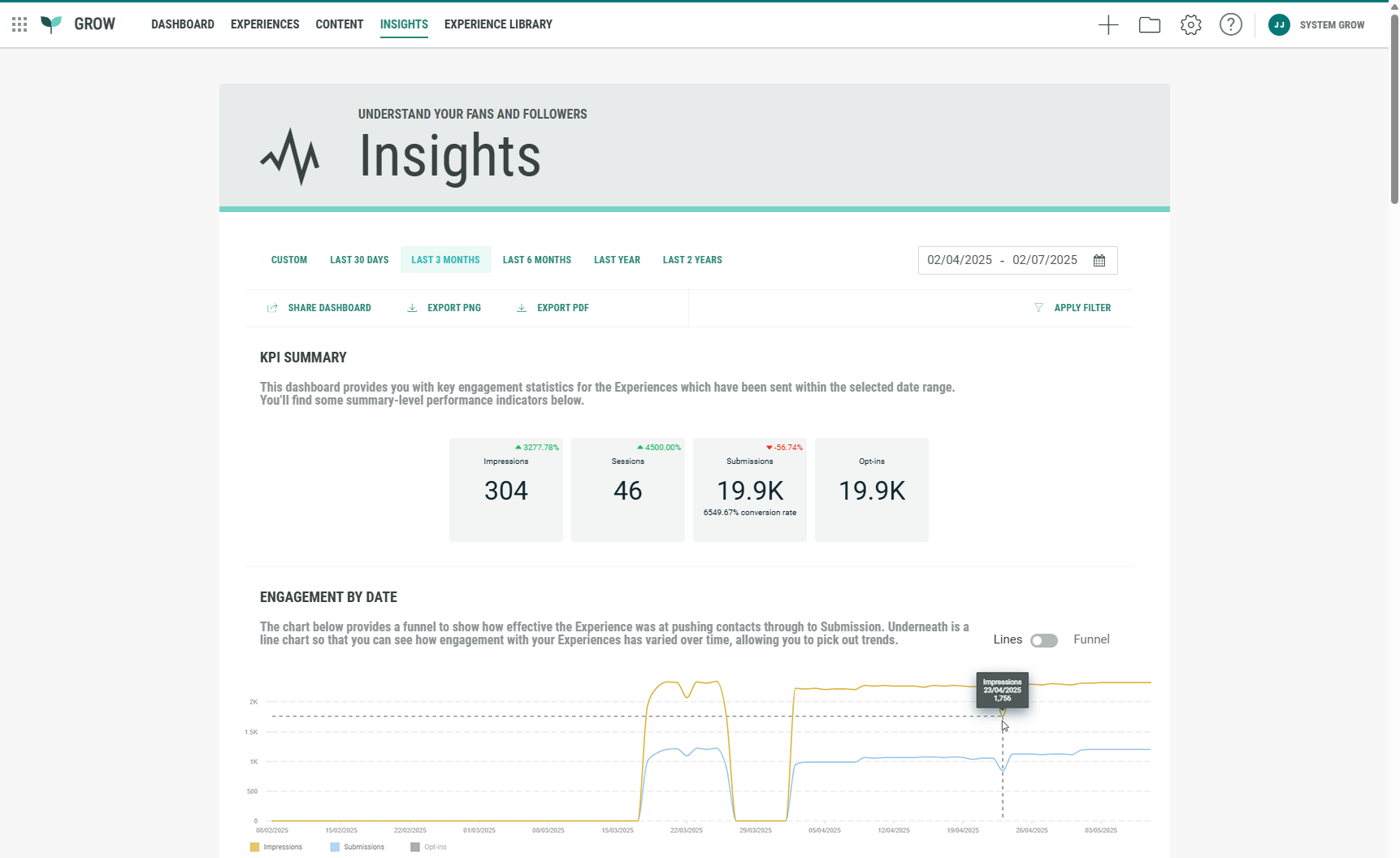
Global insights cover all Experiences, and contain a date range selection, a KPI summary overview, and graphs for Engagement by date, Conversions by date, Cumulative engagement over time, Access report and Detailed performance.
Multiple filters are available for the different graphs to get exactly what you're looking for in analytics.
Experience-level insights
Old:
Charts and figures provided Experience insights based on the following KPIs: Reach, Impressions, Advocacy, Entries, and Engagement.
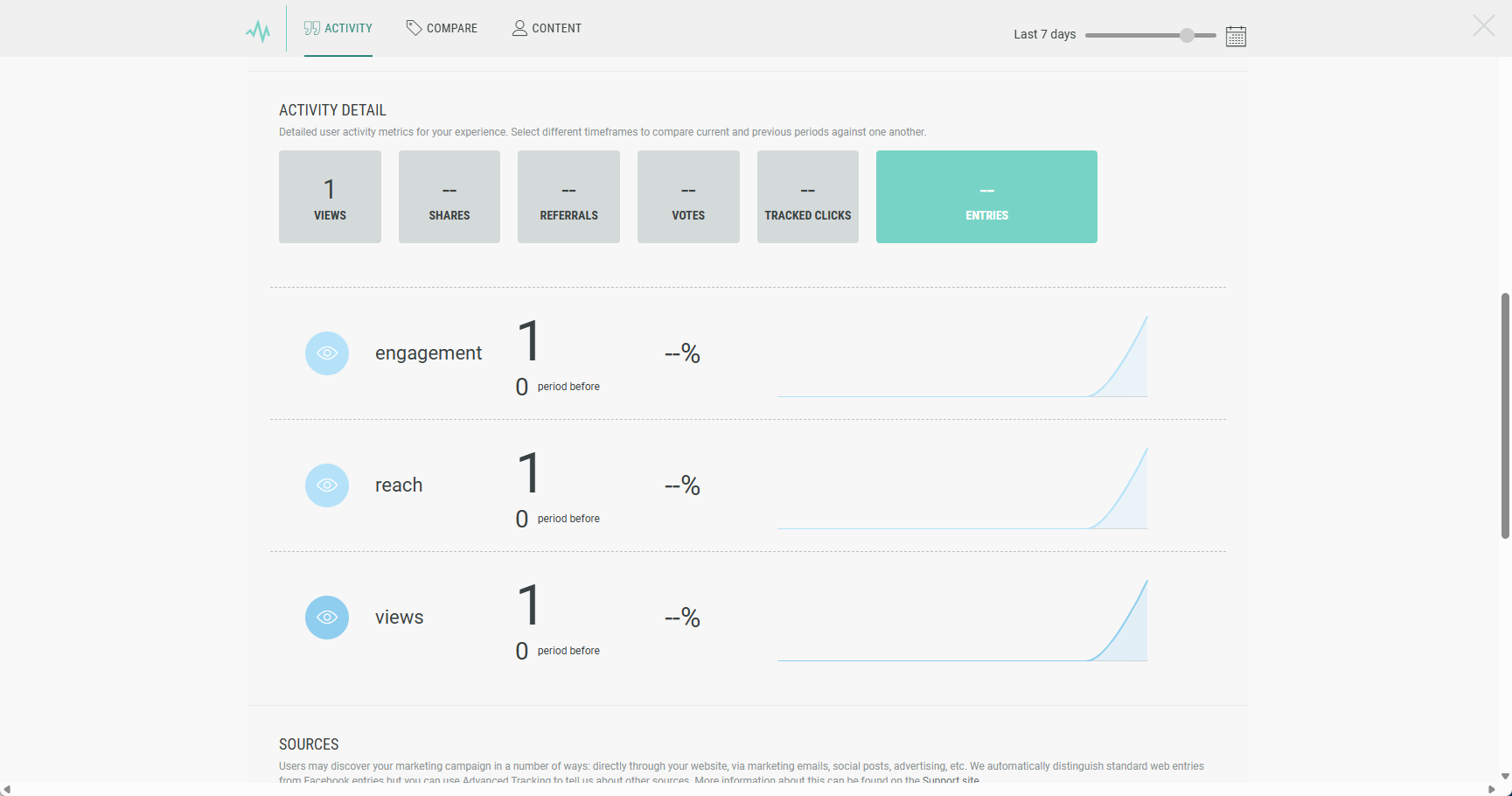
New:
Experience-level insights offer, as for global insights, a date range selection, the KPI summary overview, and graphs for Engagement by date, Conversions by date and Access report.
Besides those, there are two additional graphs for Experience-level insights specifically:
- Source analysis, to see how engagement varies across different sources.
- Cumulative rewards granted, to see the total count of each reward granted prior to the date range and how that total changed over the selected period.
More details on the Grow Insights can be found here.
Date module
BACKGROUND:
Up until now, the only available date-format option within a Form Section was the Date of Birth module, which required participants to enter a complete date—including day, month, and year. This format is inflexible, as it does not allow for alternative configurations such as entering only the day and month, or just the year. The strict requirement for a full date is necessary because the Date of Birth module is designed to enforce age restrictions in compliance with privacy and data protection regulations like COPPA.
SOLUTION:
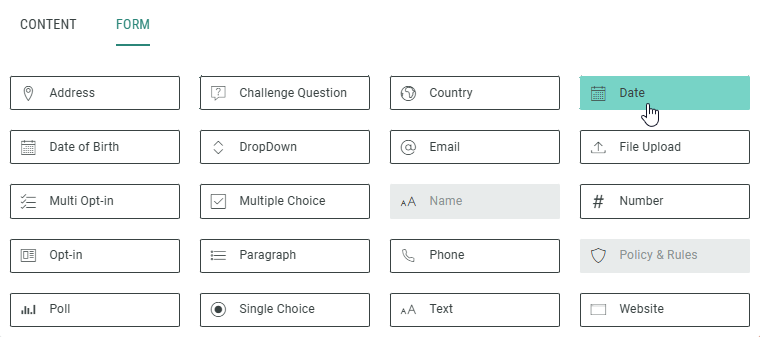
A new Date module is now available that can be used within a Form Section to ask Experience participants for a date input in a certain format.
The format can be chosen from a list of available formats while setting up the module.
What this looks like in Grow:
When clicking + Add Module within a Form Section, you can now select the Date module.
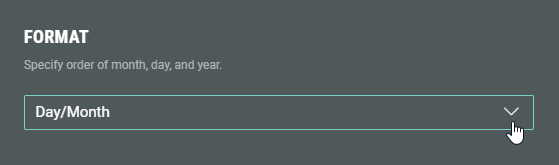
While configuring the Date module, you can define the format.
The different available formats to choose from are: Day/Month, Month/Day, Month/Year, Year/Month, Year only, Day/Month/Year, Month/Day/Year.
Experience participants will then see those fields to be completed:

More details on the Date Module can be found here.
Other improvements
Displaying slide-based Experiences
Slide-based Experiences now display more smoothly. We’ve improved how slide height is calculated—basing it on the average of your largest slides (excluding outliers and slides with conditional content that adjusts dynamically) for a more consistent and polished feel.