
Delete a Badge Category
To delete a Badge Category:
-
Select Rewards from the top navigation bar, then select Settings > Badge Categories from the side navigation menu. The Badge Categories screen is displayed.
-
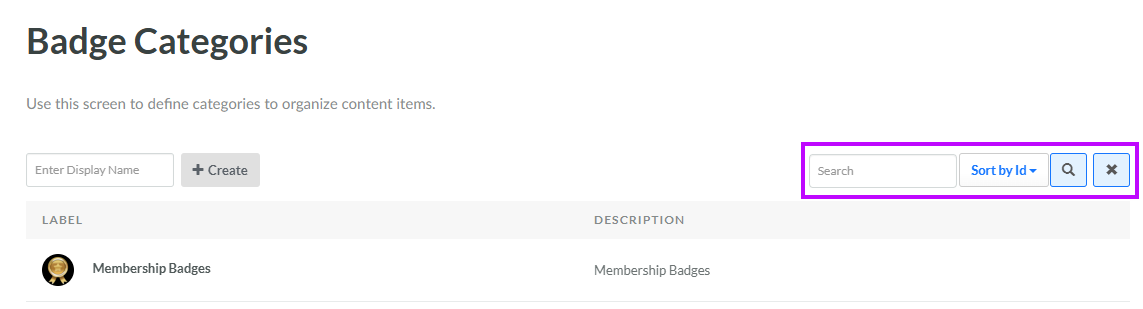
Optionally, enter a search string in the Search field. You can search for Badge Categories based on their Display Name or Internal Name. Click the Search icon. The screen is refreshed to show only the Badge Categories that meet your search criteria.
-
To sort the search results, select the desired sort order from the Sort By drop-down menu. The default sort order is by: Category ID.
-
Click the name of the desired Badge Category. The Edit Badge Category pop-up window is displayed.
-
Click Delete. A confirmation dialog box is displayed; click Confirm.
