Download Export Job Logs
The platform maintains a log of every Export Definition job execution. To download the logs for a past job:
-
Select Admin from the top navigation bar, then select Integrations > Exports from the side navigation menu. The Exports screen is displayed.
-
On the Exports screen, search for the desired Export Definition (see
-
Click the name of the desired Export Definition. The Export Definition Details screen is displayed.
-
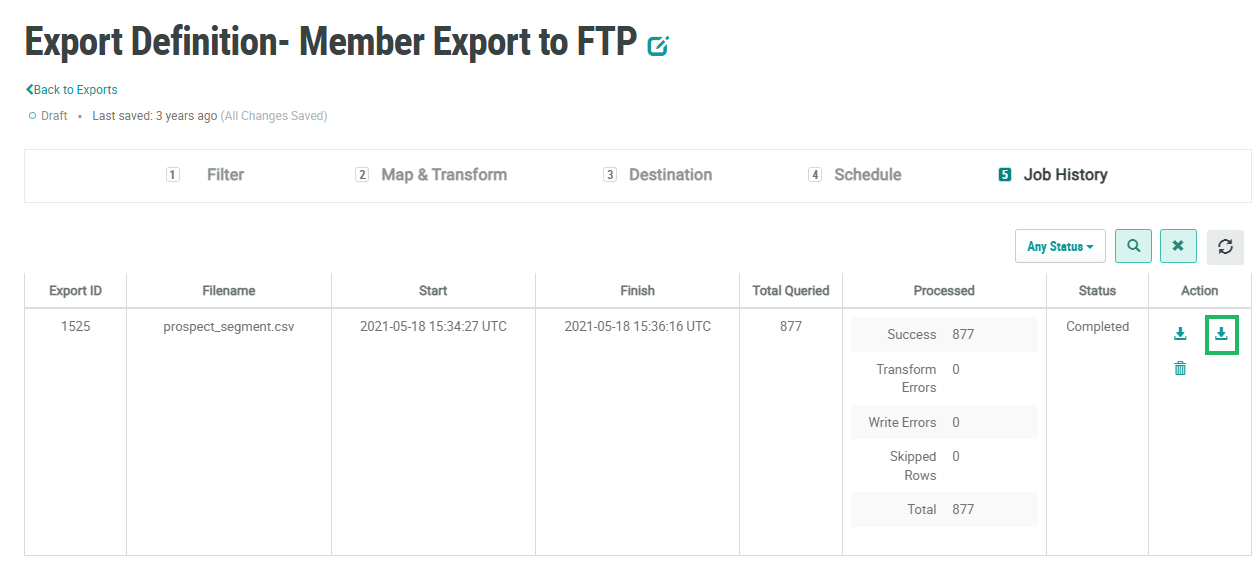
At the top of the Export Definition Details screen, click Job History.
-
Optionally, apply a filter to the Job History screen (see
-
In the Action column next to the desired job, click the Download icon. The platform downloads the job log to your local PC.