
Delete a Member Function
To keep your Loyalty instance uncluttered, the best practice recommendation is to delete unneeded or test Functions. The deletion process is permanent and irrevocable; you can’t later restore a deleted Function.
To delete a Member Function:
-
Select Program from the top navigation bar, then select Member Functions from the side navigation menu. The Member Functions screen is displayed.
-
On the Member Functions screen, search for and select the desired Member Function (see Search for a Member Function for more information on the available search options). The Member Function Details screen is displayed.
-
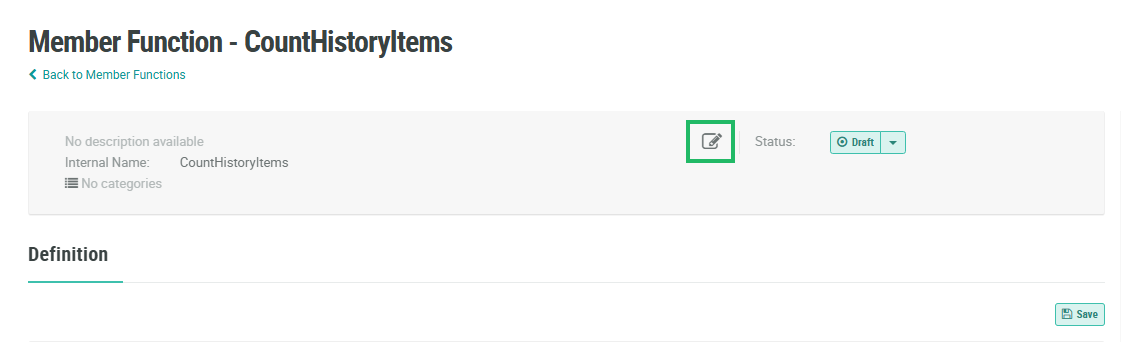
Within the header area of the screen, click the Edit icon. The Edit Member Function screen is displayed.
-
Click Delete. A confirmation dialog box is displayed; click Confirm.
If this Member Function was previously Published, you must deploy metadata in order for the changes to take effect. Please see Deploy Metadata for more details on this process.
