Export Data Visualization
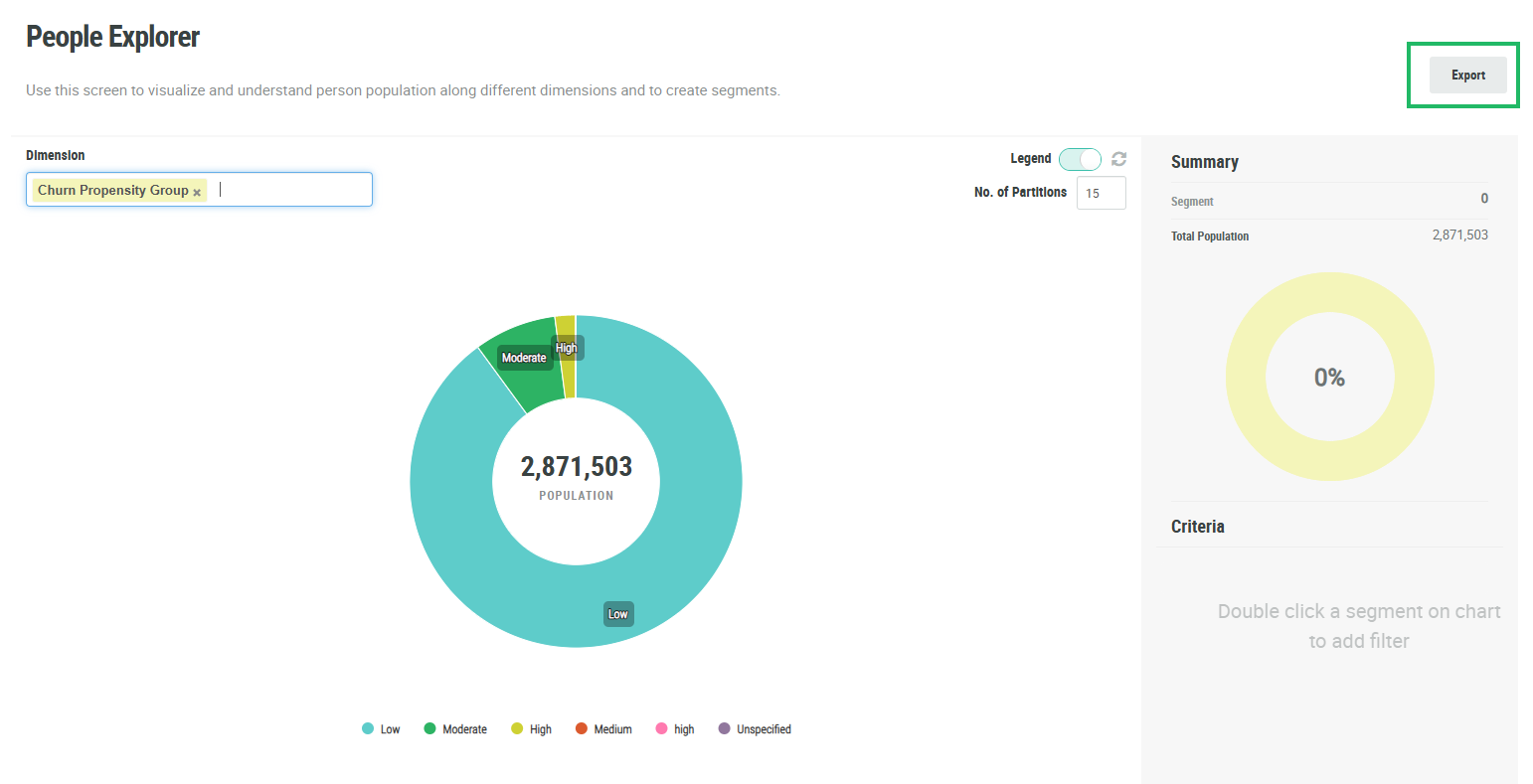
The People Explorer screen allows you to visualize and understand your Member population along one or two dimensions. When you select a dimension, the platform generates a donut chart. You can export this chart into a .png file for use in another platform or system.
To export a data visualization from the People Explorer screen:
-
Select Audiences from the top navigation bar, then select Members > People Explorer from the side navigation menu.
-
Generate the donut chart visualization (see Explore Member Data for more information).
-
Click Export. The platform creates a .png file of the donut chart, and downloads it to your local PC.