
Add a Note to a Redemption
The Loyalty platform allows you to attach notes to a Redemption. These notes can optionally be flagged as internal-only, so they aren't visible to the Member.
To add a note to a Redemption:
-
Select Rewards from the top navigation bar, then select Rewards > Redemptions from the side navigation menu. The Redemptions screen is displayed.
-
Search for the desired Redemption (see Search for a Redemption for more information on the available search options) and click its Reward name. The Redemption Details screen is displayed.
-
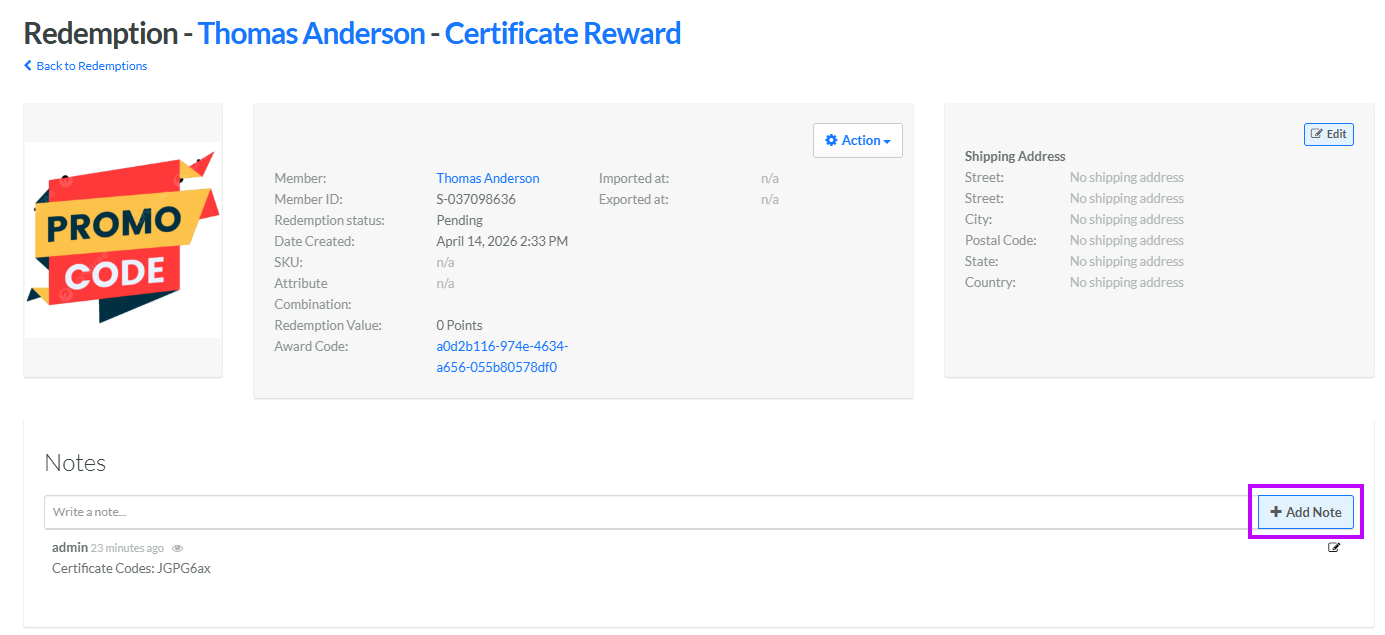
In the Notes field, enter the text of the note.
-
Click Add Note. The platform adds the note, along with your name and the date / time.
-
By default, a new note is visible to Members, which is indicated by the eye icon displayed next to the date / time stamp. To mark a note as internal only, click the Edit icon next to the note. The Edit Comment / Note pop-up window is displayed. Uncheck Visible to Member, then click Save.
