
Create a Reward Class
To create a Reward Class:
-
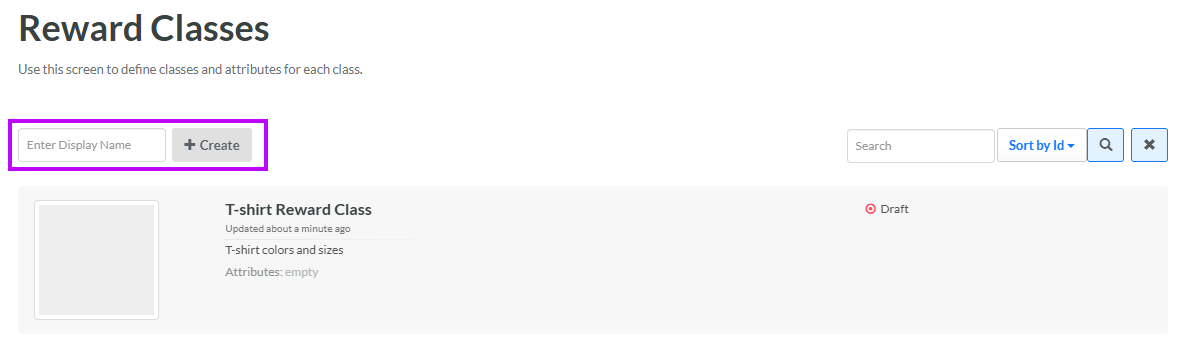
Select Rewards from the top navigation bar, then select Settings > Reward Classes from the side navigation menu. The Reward Classes screen is displayed.
-
In the Display Name field, enter the name of the new Reward Class.
-
Click Create. The Edit <Reward Class Name> pop-up window is displayed.
-
The Display Name field is populated with the value you entered above; optionally edit this value.
-
The Internal Name is automatically populated based on the Display Name value. This field is not editable by default. To edit the Internal Name, check Edit Internal Name. A confirmation dialog box is displayed; click Ok. Edit the Internal Name value.
-
Optionally, in the Description field, enter a description of this item.
-
Click Save.
For additional information on how to configure the new Reward Class, see the following Help Center articles:
