Getting Started with Reward Translations
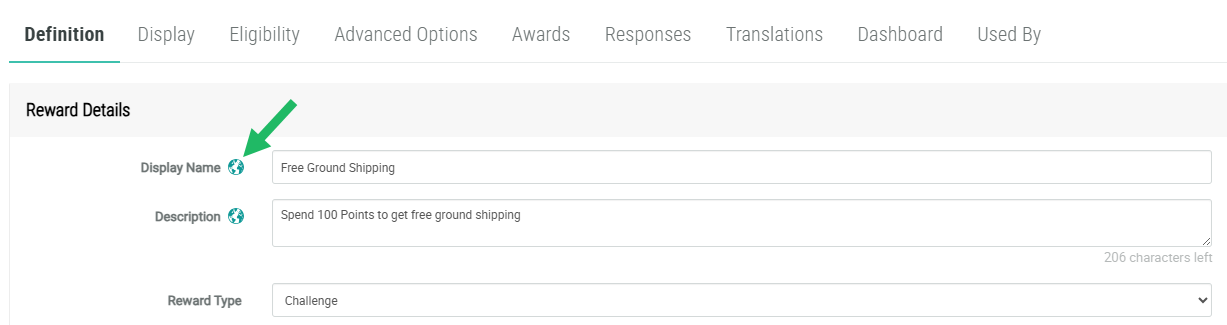
The Loyalty platform supports the use of content that has been translated into other languages. Specific Reward fields (marked by a globe icon) allow you to enter this localized content in different languages. For example, when entering the Reward Details on the Definition tab, the Display Name and Description fields are marked with the globe icon, indicating that they support multiple languages. In addition, the Content Editor also supports the use of localized versions of Reward content.
Note: The Loyalty platform's localization feature is an optional feature that must be enabled in your account. Please speak to your Zeta Global team for more details.
To use the localization feature, you must first define the locales that you support. These locales are defined using the Available Member Content Locales Program Setting. Please see Program Settings for more information.
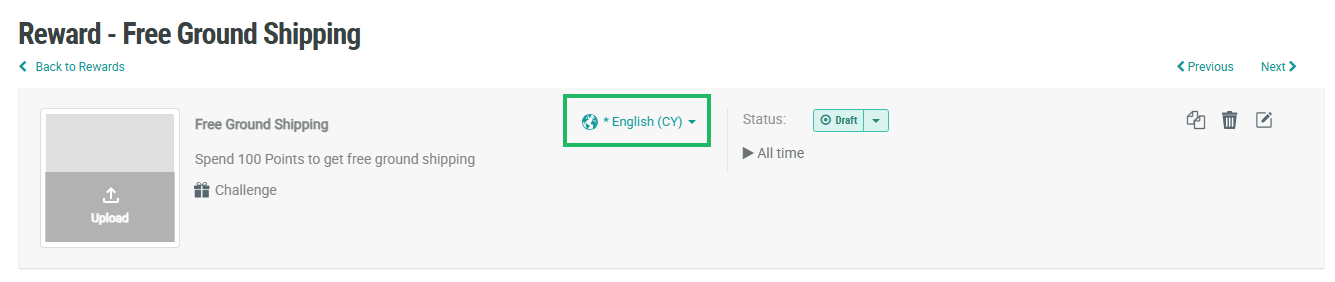
To enter localized content, you must first select the desired locale. Within the header area of the Reward Details screen, select the desired locale from the Locale drop-down menu. This menu is populated with all locales you have configured within the Available Member Content Locales Program Setting. After selecting the locale, enter the desired localized content in any field marked with the globe icon.