Delete Data from a Lookup
You can populate the data in a Lookup by means of a file import (see Import Lookup Data for more information). The platform also allows you to delete a previous Lookup import, while still keeping the Lookup's Parameter and Value columns intact.
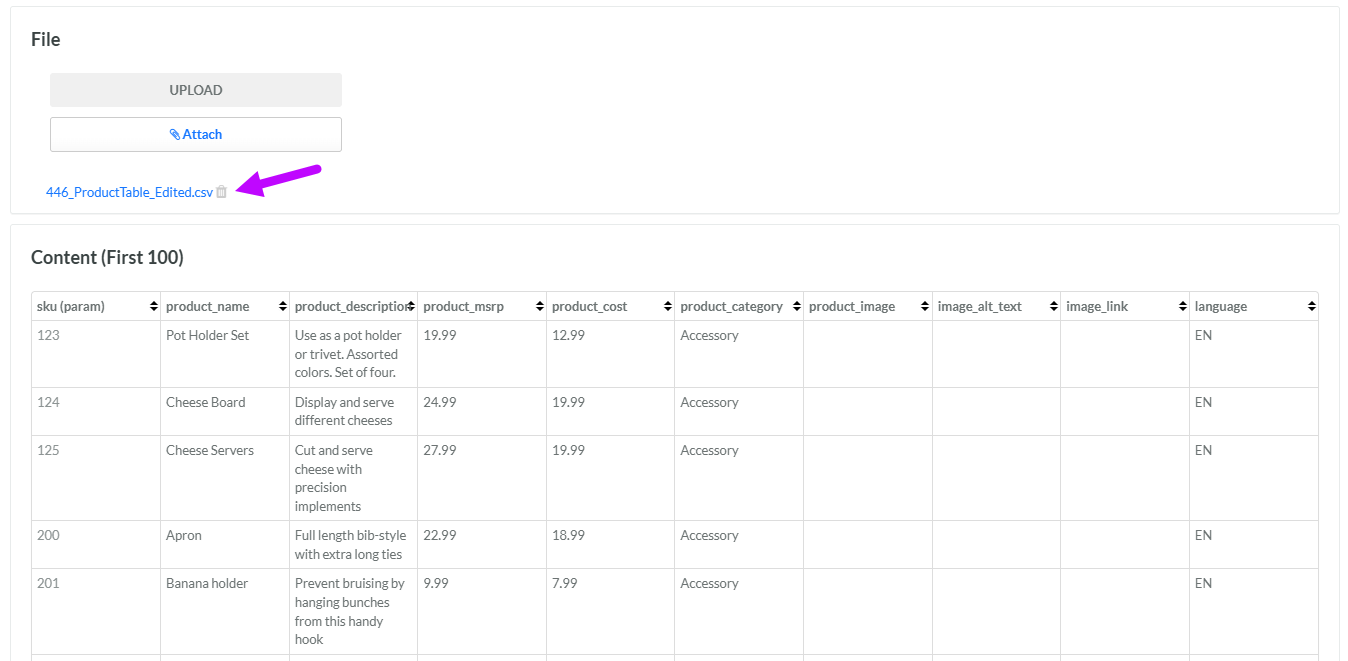
Note: The name of the import file is displayed within the File section. If you click this file name, the platform downloads the original import file to your local PC.
To delete all of the data from a Lookup:
-
Select Rules from the top navigation bar, then select Lookups from the side navigation menu. The Lookups screen is displayed.
-
Search for and select the desired Lookup (see Search for a Lookup for more information on the available search options). The Lookup Details screen is displayed.
-
Within the File section, the name of the import file used to populate this Lookup is displayed. Next to this file name, click the Delete icon. A confirmation dialog box is displayed; click Confirm.