
Publish a Coupon / Offer
The final step in creating a
Prior to publishing a Wallet Pass, the best practice recommendation is to run it through the validation process; see
To publish a
-
Select Campaigns from the top navigation bar, then select Wallet Passes from the side navigation menu. The Wallet Passes screen is displayed.
-
Optionally enter a text string in the Search field, then click the Search icon. The platform filters the screen to only Wallet Passes that have that text string anywhere within the Display Name or Internal Name.
-
Click the desired Wallet Pass. The Wallet Pass Details screen is displayed, with the Apple tab selected by default.
-
In the top-right corner of the Wallet Pass Details screen, click the Edit icon. The Edit Wallet Pass pop-up window is displayed.
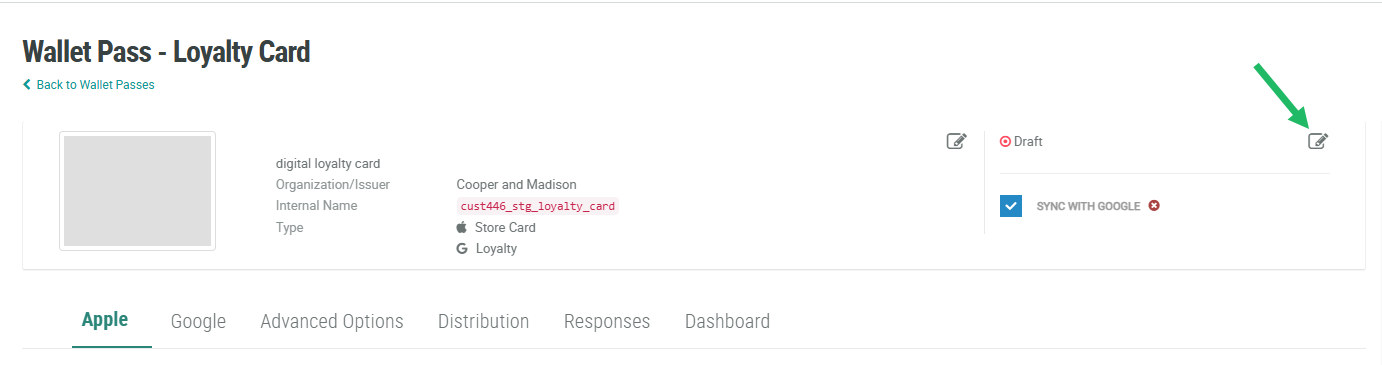
-
From the Status drop-down menu, select Published.
-
Click Save.
