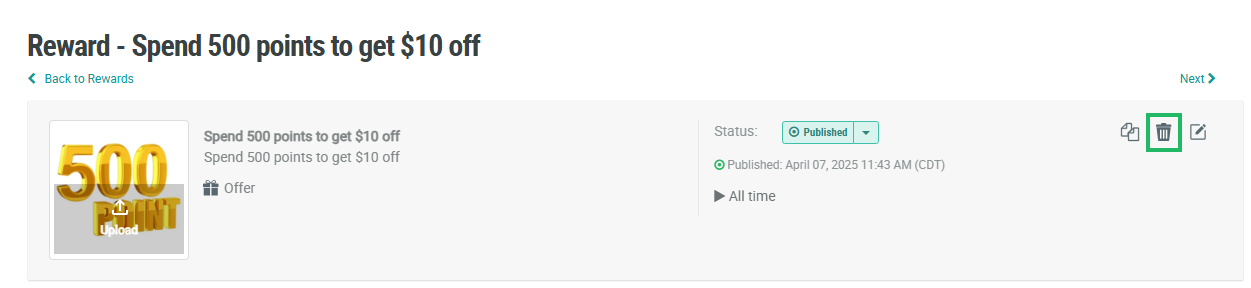
Deleting a Reward is permanent and irrevocable; you can’t later restore a deleted Reward. When you delete a Reward, the platform also permanently deletes all associated Redemptions and historical activity, which will impact any reporting that tracks Redemption counts. If a Member redeemed the Reward prior to it being deleted, their Redemption will also be deleted, so the Member will be unable to use the Redemption.
To delete a Reward from the Rewards screen:
-
Select Rewards from the top navigation bar, then select Rewards > Rewards from the side navigation menu. The Rewards screen is displayed.
-
Search for the desired Reward (see
-
Next to the desired Reward, click the Delete icon. A confirmation dialog box is displayed; click Confirm.
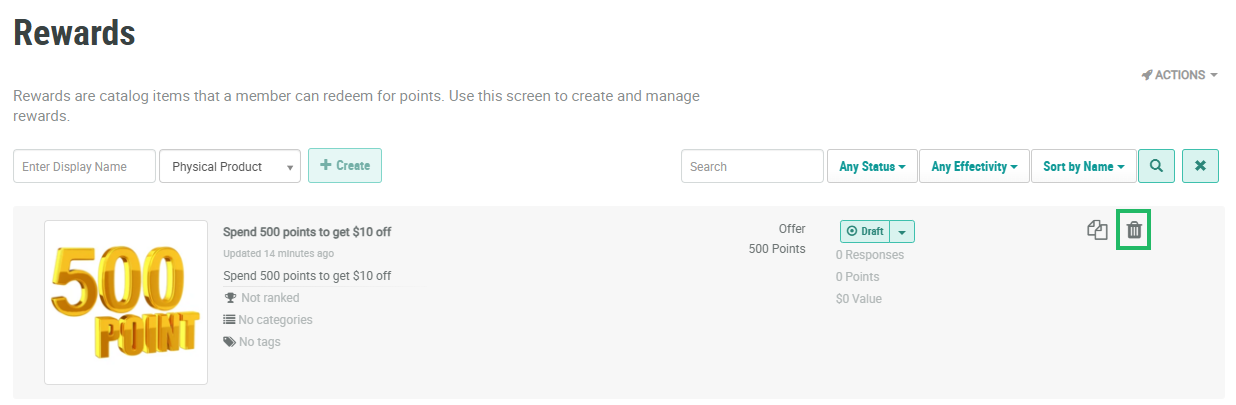
You can also delete a Reward from the Reward Details screen.
-
Select Rewards from the top navigation bar, then select Rewards > Rewards from the side navigation menu. The Rewards screen is displayed.
-
Search for and select the desired Reward (see
-
Within the header area of the screen, click the Delete icon. A confirmation dialog box is displayed; click Confirm.