
Troubleshooting Access
There are several reasons you may not be able to access your account. This guide will go through some of the reasons you may be experiencing difficulties, and some troubleshooting steps you can try.
Trouble logging in?
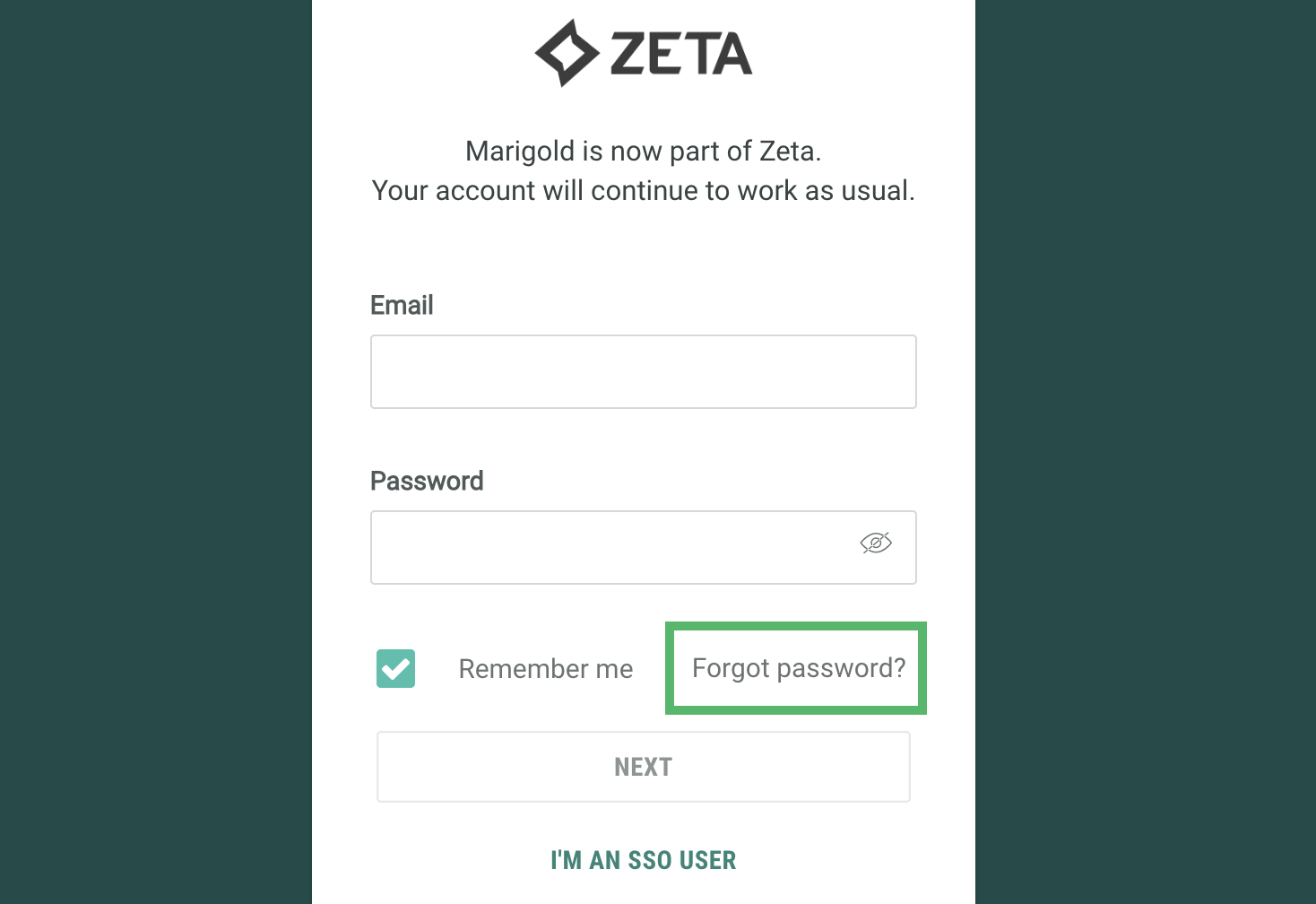
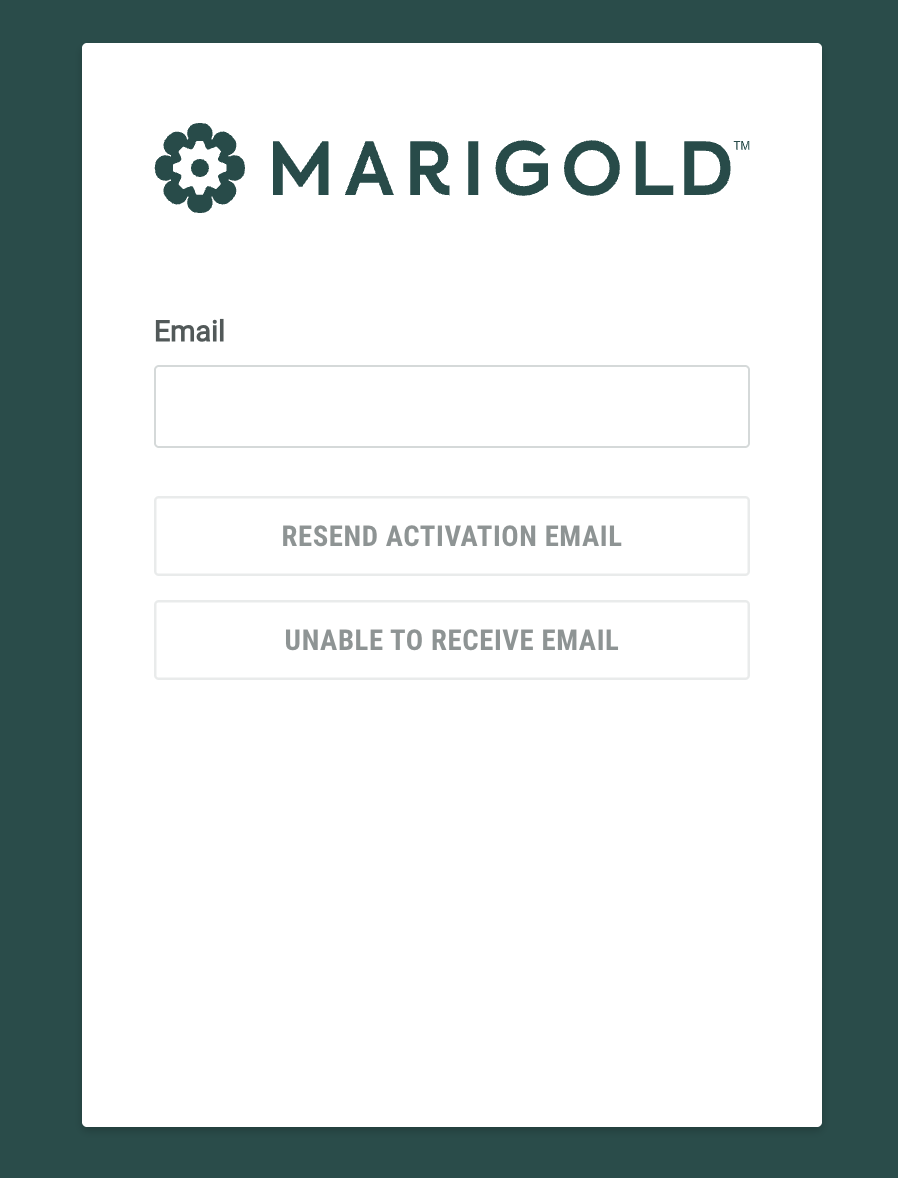
If you are having trouble logging in, or the welcome email has expired, click Trouble receiving email? on the login page.
Enter your email address and click Resend Activation Email to receive a new welcome email.
If you are a new user and not receiving the emails, click Unable to Receive Email to send a one time code to login and set up your account.
Forgot your password?
On the login screen, click Forgot Password?
Enter the email address associated with you account and click Next
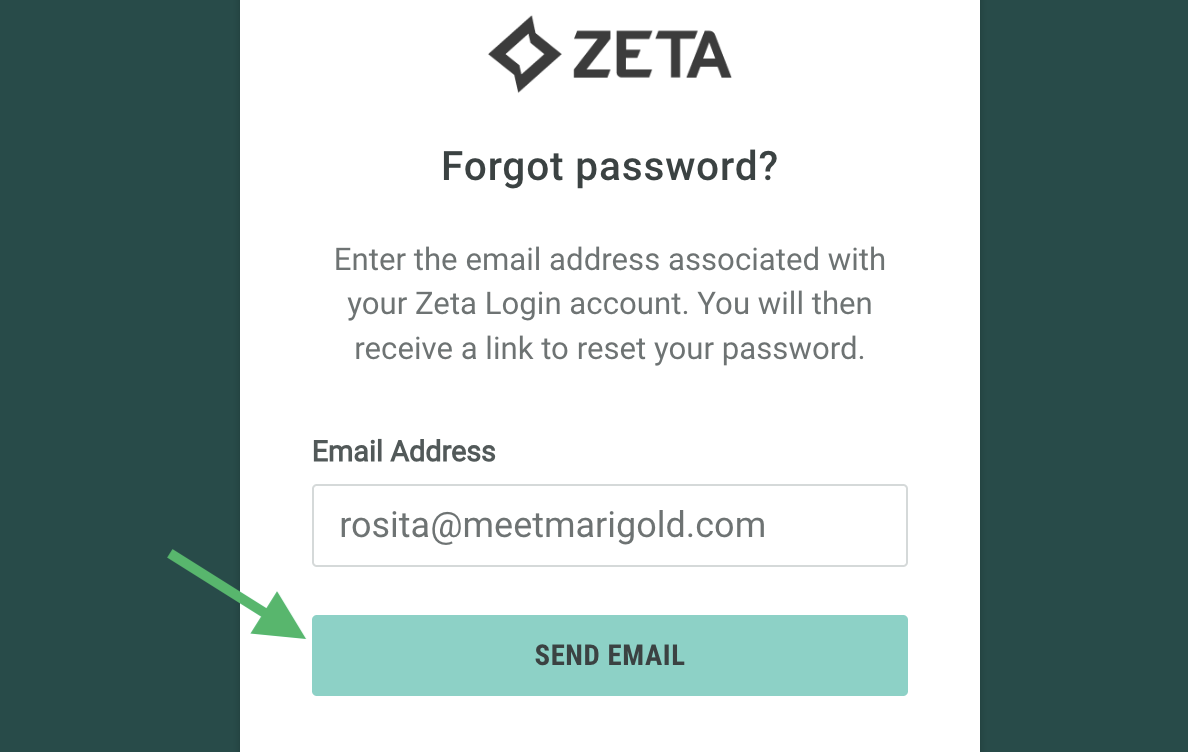
You will receive an email with a link to reset your password; follow the instructions and enter a new password to reactivate your account.
Alternatively, contact your Organization Admin.
Locked or suspended account
If you believe your account has been locked, suspended, or deactivated, follow this guide on the different states your account can be in and how you can gain access again.