The Cadence start page is the starting point to manage your existing Cadence Plans and create new ones.
The Cadence Start page lists the current Cadence Plans with their description and tags. Additionally, information is available on the number of journeys that are included in the plan and when the plan was created and last calculated.
A Search field is available to filter the result in the overview. The search takes into account the name, description or labels.
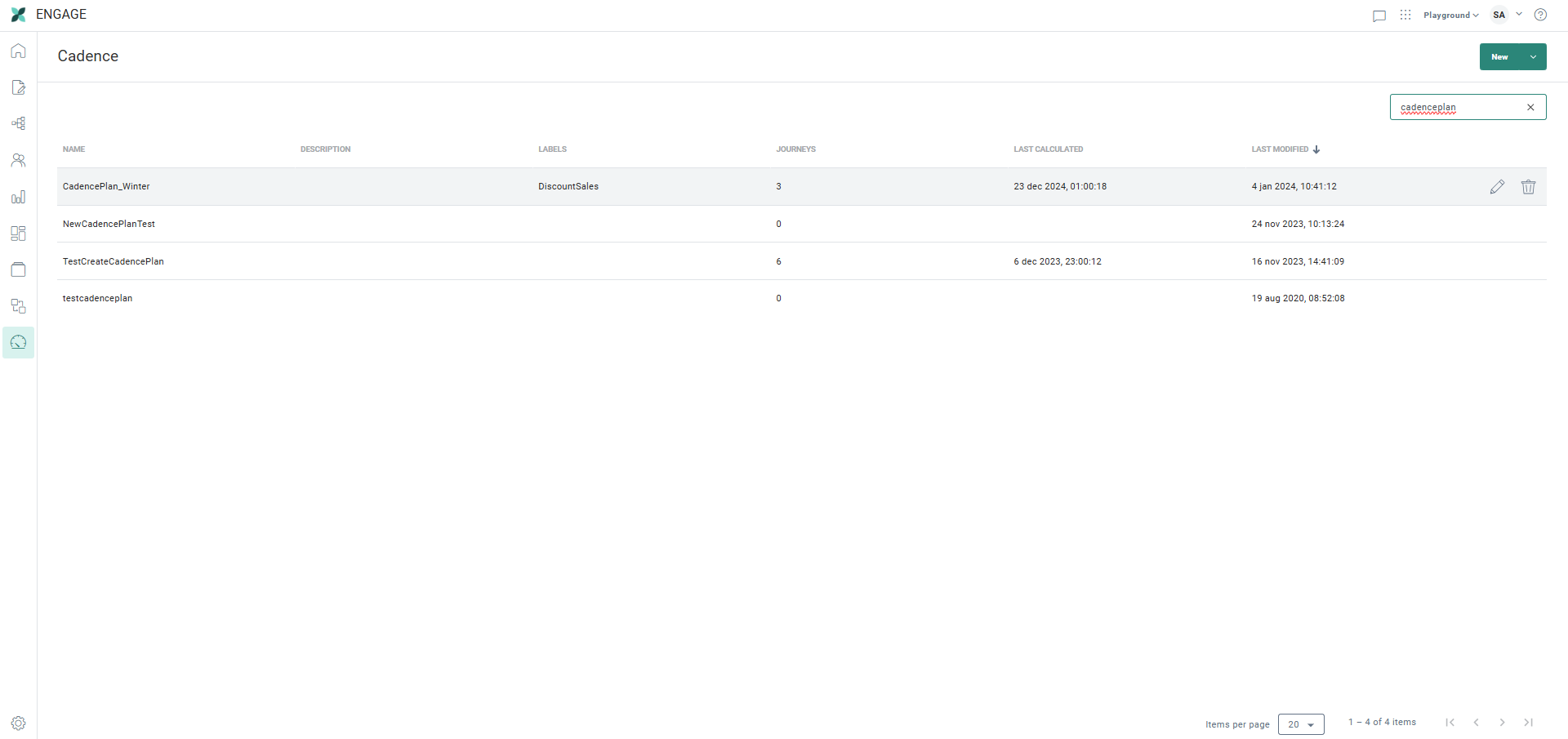
On the Start page, click the New button to start the creation of a Cadence Plan.
Double-click an existing plan or click the pencil icon shown on hover over to open the plan. The Priorities tab is automatically opened where you can start adding or removing journeys or changing the priority of the journeys. When there are less than 10 journeys in the plan, the details of the journeys are displayed immediately.