
 Legacy Push Notification - Device Registrations
The Device Registrations screen is mainly used as part of the set-up process for the Push Notification marketing Channel. A Push Notification is a message that gets sent from theCheetah Digitalplatform to your branded app on a consumer's mobile device. When a consumer installs your app and subscribes to Push Notifications, the app must communicate the device ID and application ID back toCheetah Digital. The Device Registrations screen allows you to "map" that information from the consumer to the proper Table and field in your marketing database.
Prior to creating a Device Registration, the following steps must already be completed:
-
Your app (or apps) must be registered withinCheetah Digital; seeMobile Push Application Groups for more details.
-
You must have a dedicated Table that will be used to store information about the consumer's mobile device; see Tables for more details.
For more information on how to configure the Push Notification channel, please see the Push Notification Channel Setup Help topic.
Access
The Device Registrations screen is accessible by the following method:
-
From the Admin Banner Bar, select Settings > Campaign Settings > Device Registrations
Features
|
|
 Create a New Device Registration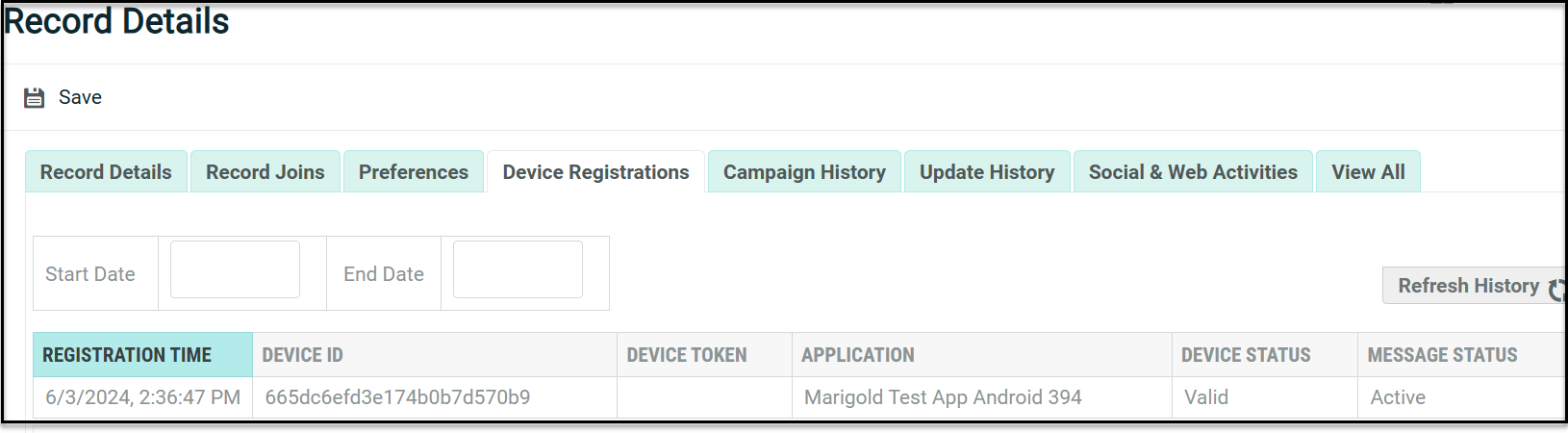
|
|
 Copy a Device Registration
|
|
 View or Edit a Device Registration
|
|
 Delete a Device Registration

