New features in Grow
October 30, 2025
Version 25.23
Please note that all new release notes and new/updated help topics are written in the context of NextGen Experiences.
Adobe Commerce Product Quiz
AVAILABLE ON REQUEST
BACKGROUND:
In Grow v25.14, the Shopify Product Quiz Experience was added to offer quizzes with Shopify store integrations.
The integration with another major ecommerce platform, namely Adobe Commerce, was not yet supported in these quizzes.
SOLUTION:
A new Product Quiz Experience is now available; the Adobe Commerce Product Quiz, which supports integration with your Adobe Commerce store.
It only requires a one-time integration with your Adobe Commerce store through an API key setup in Grow. From there, you can get started creating the Adobe Commerce Product Quiz Experiences you need.
Equally to the Shopify Product Quiz, the Adobe Commerce Product Quiz is an outcome quiz that gathers data from entrants through Quiz Single Choice and Quiz Multiple Choice modules.
Once entrants submit their quiz answers, tailored product recommendations (from the linked Adobe Commerce account) will be shown to them as Quiz Results based on their answers.
What this looks like in Grow:
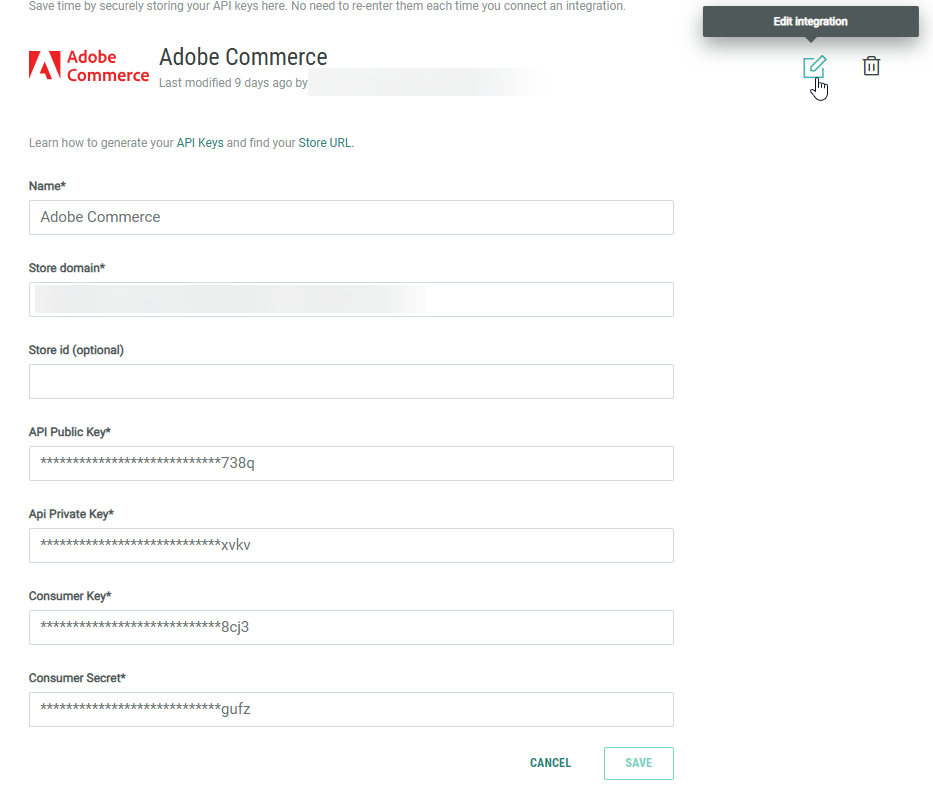
- First, you set up an Adobe Commerce API key in the Integrations section of Grow to connect to your Adobe Commerce store.
- Once that's done, you can set up an Adobe Commerce Product Quiz Experience (available from the Experience Library).
- Key to the Experience setup is setting up Quiz Single Choice and Quiz Multiple Choice modules to gather the right data from your entrants.
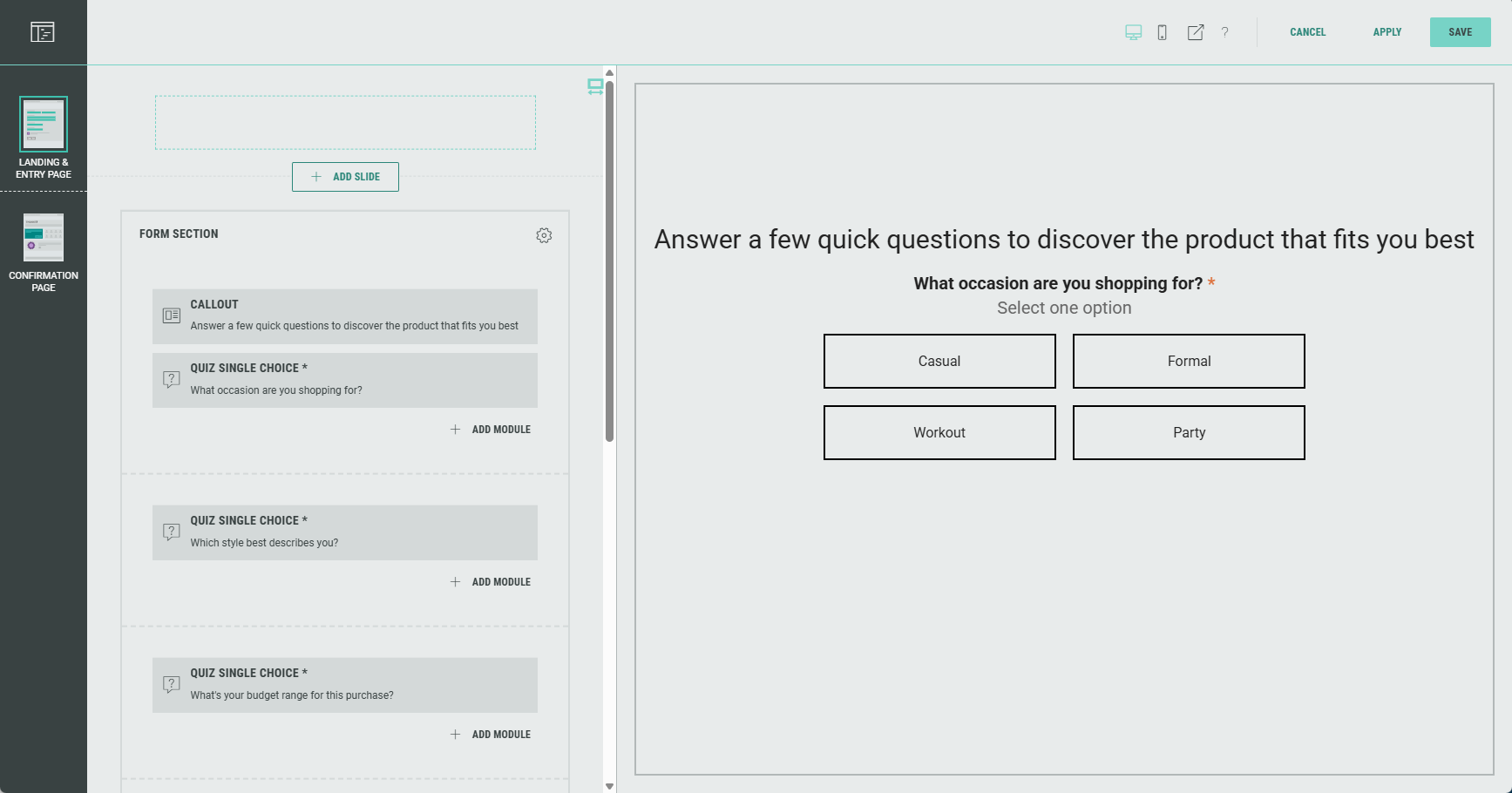
Important steps here are:
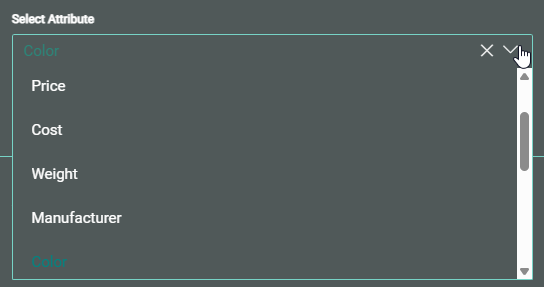
- Select the attribute the quiz question maps to—for example, a question about color preference would map to the color attribute in your Adobe Commerce catalog.
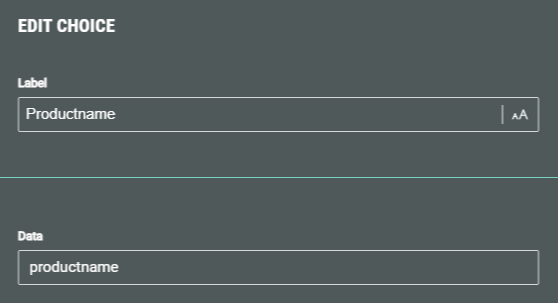
- For each answer option in the Quiz Single Choice and Quiz Multiple Choice modules, set the label and data value (when creating or editing an answer). The data value is used to match the Grow option with the Adobe Commerce attribute value.
When a participant runs through the Experience and answers the quiz questions, the Quiz Results on the Confirmation Page show tailored product recommendations from the linked Adobe Commerce store, based on the participants' answers.
More details on how to set up an Adobe Commerce Product Quiz can be found here.
Note: This feature is available on request. Get in touch with your Zeta contact to get it activated.