Goodbye Template
The Goodbye use case allows you to target consumers when they unsubscribe from your website, newsletter, game, etc. You can send them a sorry to see you go message or an incentive to remain a member of your community. Also, when people are leaving, it is important to get feedback on the reason why and use this information for future improvements.
To track when an unsubscribe is happening, the cancel event needs to be tracked. This signal, with details on what the visitor is canceling, is then sent to the Moments application. These signals are picked up by the Goodbye Moment.:
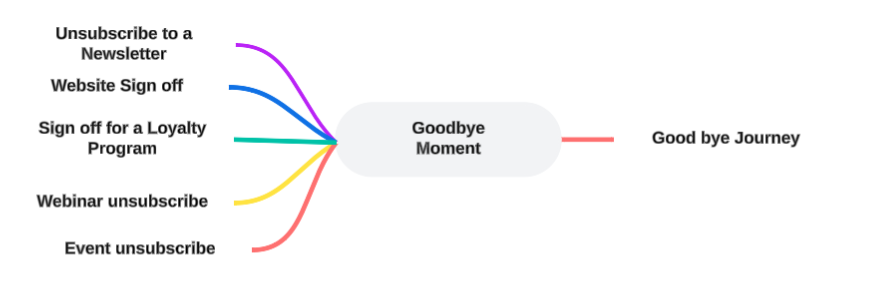
Following properties are available for the Goodbye Moment template. (Check out the topic on creating a Moment for more details.):
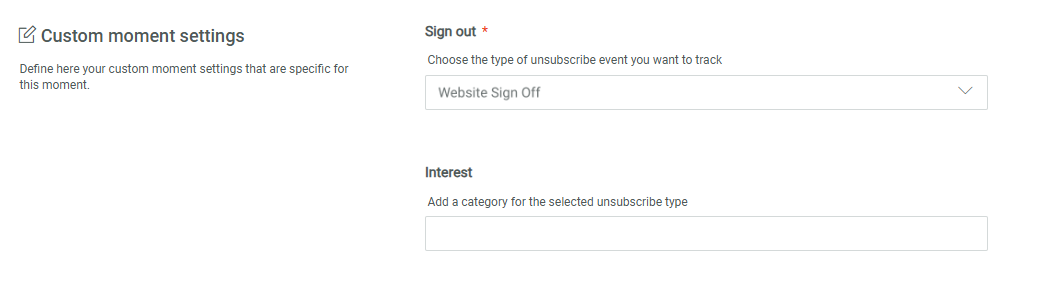
Signout — Contains the type of signout. You can choose from newsletter, webinar, game, event, website or program. By setting the type, the Moment will only listen to signals of that specific type and ignore the others. This means that you can treat signups differently depending on the type.
For example, when a customer cancels their subscription for your website, you want to send them a sad to see you go message, but when the customer signs out of your webinar, you send them a different message with another possible date to join.
Interest — Contains the category of interest. This is a free text field and can be used to specify further details, such as the sports section for the website, or Finance for the newsletter.
Example:
First create the Goodbye Moment and fill out the name, description and select the Audience configuration to apply to this Moment.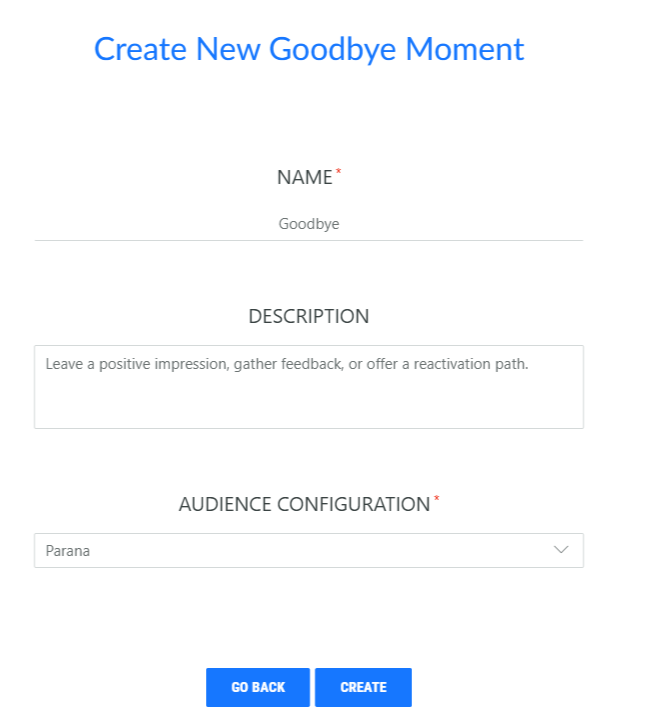
Click Create, a properties page is displayed:
Next, you need to choose the type of Sign out event this Moment is used for. You can choose from Unsubscribe Newsletter, Unsubscribe Webinar, Unsubscribe Event, Unsubscribe Game, Website Sign off and Sign off for a loyalty program. This implies that the Moment will only listen to signals of that specific type.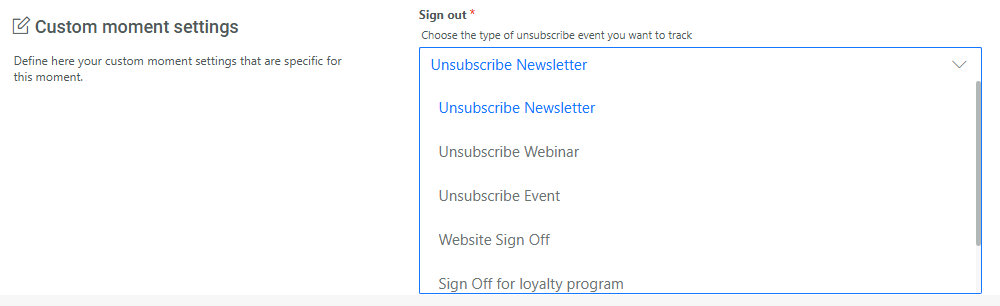
You can also enter a free text to describe the category for the selected Unsubscribe event, such as Royal news, Politics, Tennis,... These categories can later on be used to only send out email communications for a specific category.