The Sailthru Web Interface
Sailthru by Marigold's cross-channel marketing platform is purposefully built for helping marketers deliver personalized experiences to each and every subscriber across email, web, and mobile.
Our technology was built around our industry-leading, data-rich, single-view customer profiles, enabling you to create, automate, and personalize communication across channels to drive growth, engagement and loyalty.
Before you get started using Sailthru by Marigold, let's take a tour through the main areas of the platform.
Top Toolbar

The top toolbar is displayed at all times and provides access to the platform menu, an account switcher if you have access to multiple accounts, and quick access to your personal account settings. Some of your individual options may be different, depending on your assigned role.
When you select a menu option for one of the platform areas, most will take you to a page listing all your assets, like templates or messages. Analytics options will take you directly to the selected report.
Note: The Safari browser is not supported for my.sailthru.com. For the best performance, we recommend using Chrome to access the platform. Click the thumbnail image to open a full view.
Analytics
View and export a wide range of data to better understand your audience and the performance of your Sailthru-powered marketing strategies. There are many different ways to view your data from the Analytics menu:
Select the image following the text to see a full-screen view of the platform area.
-
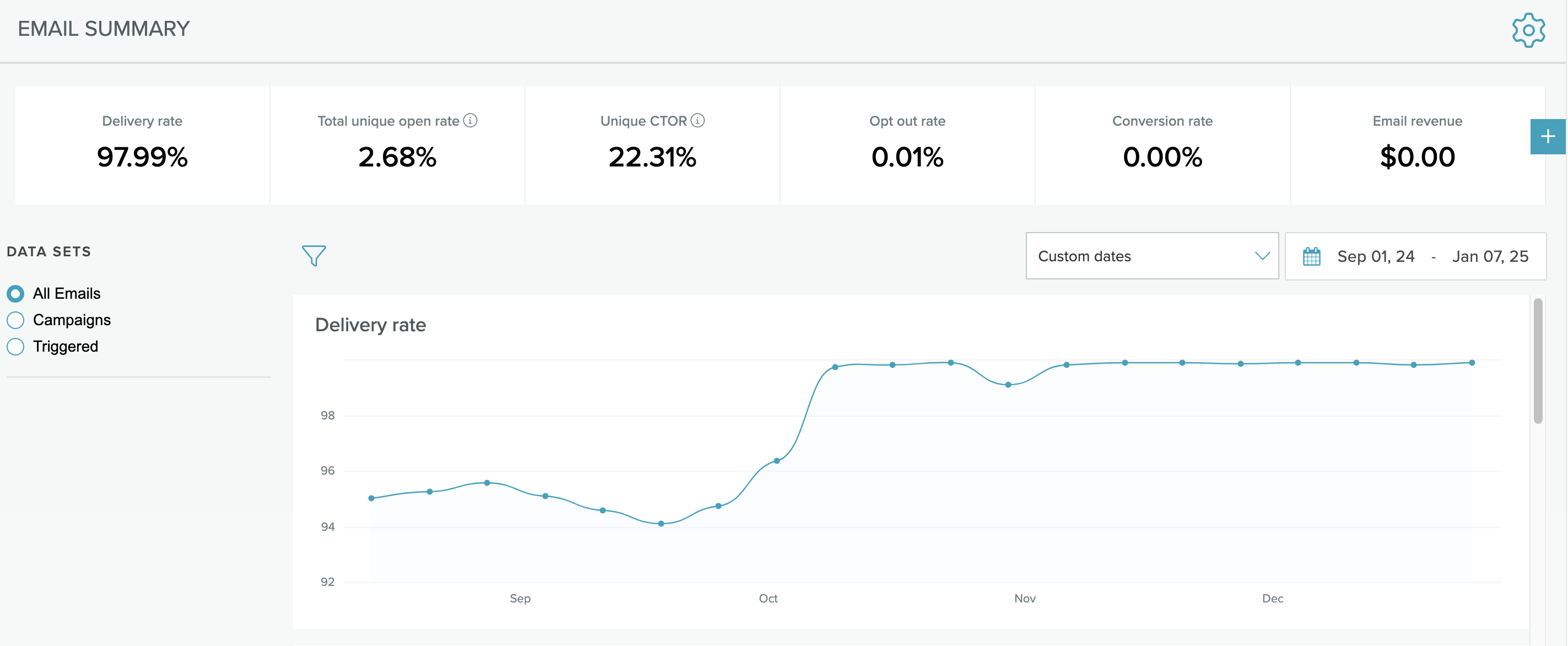
Channel specific reports
-
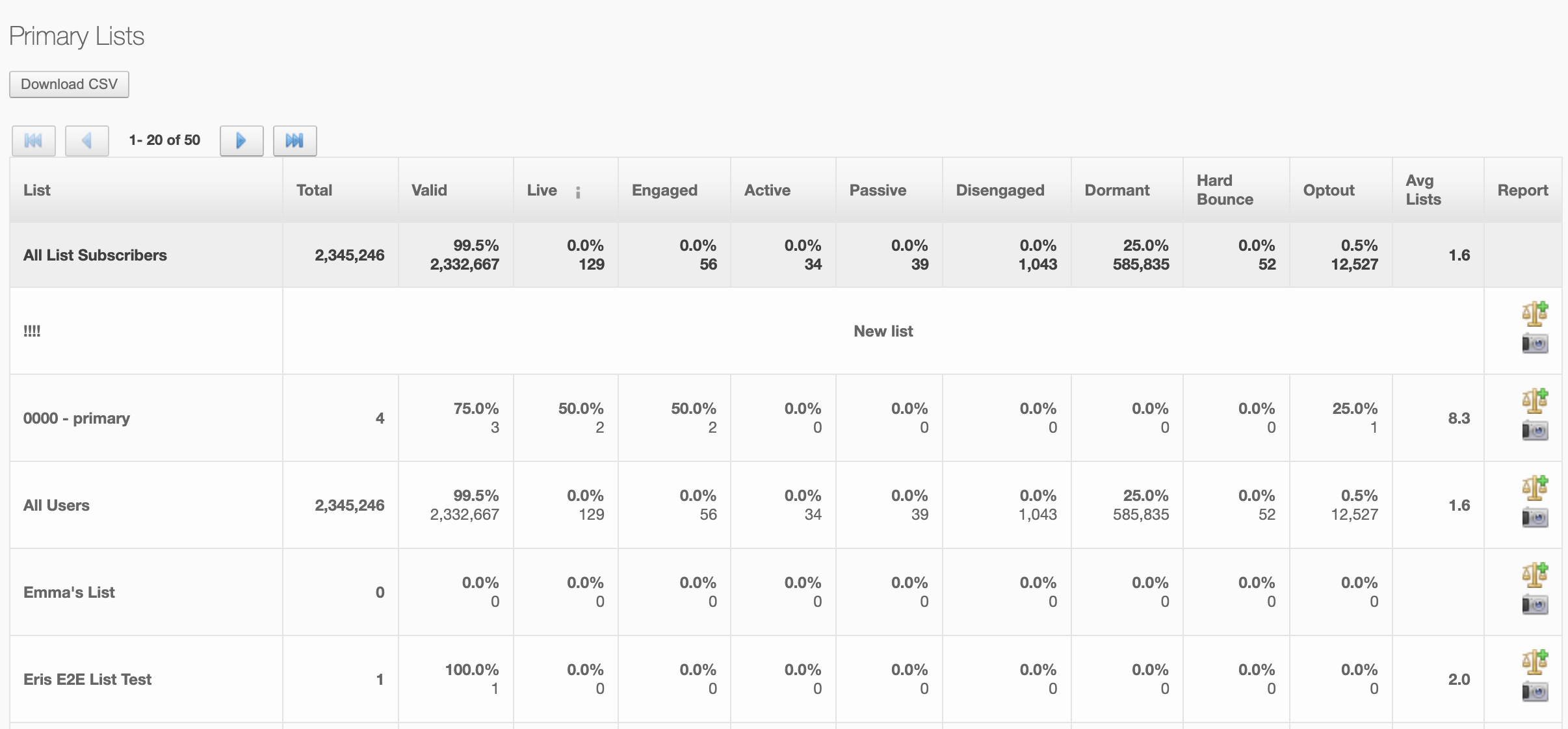
List and user reports
-
Subscriber reports

Messaging
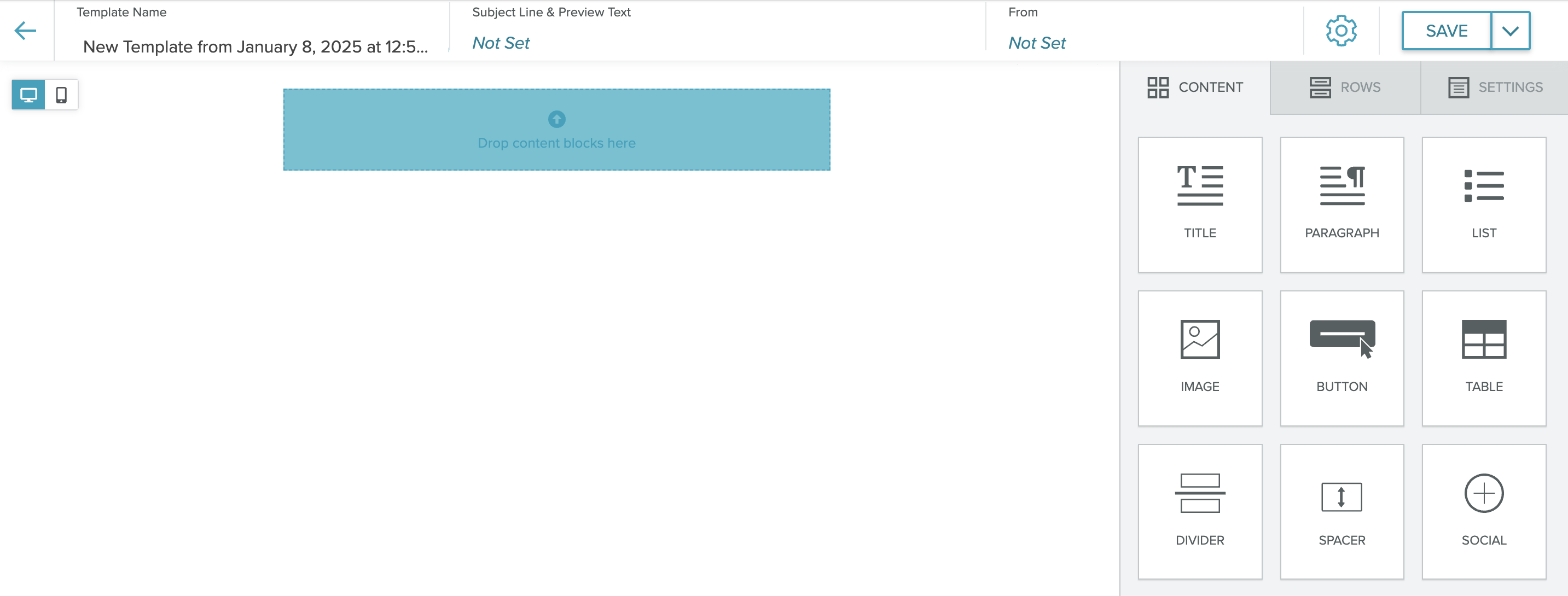
Manage all messaging options from this menu, from email, sms, and push/in-app templates and campaigns to onsite content. You'll also find Lifecycle Optimizerunder the Messaging menu.
Select the image following the text to see a full-screen view of the platform area.
-
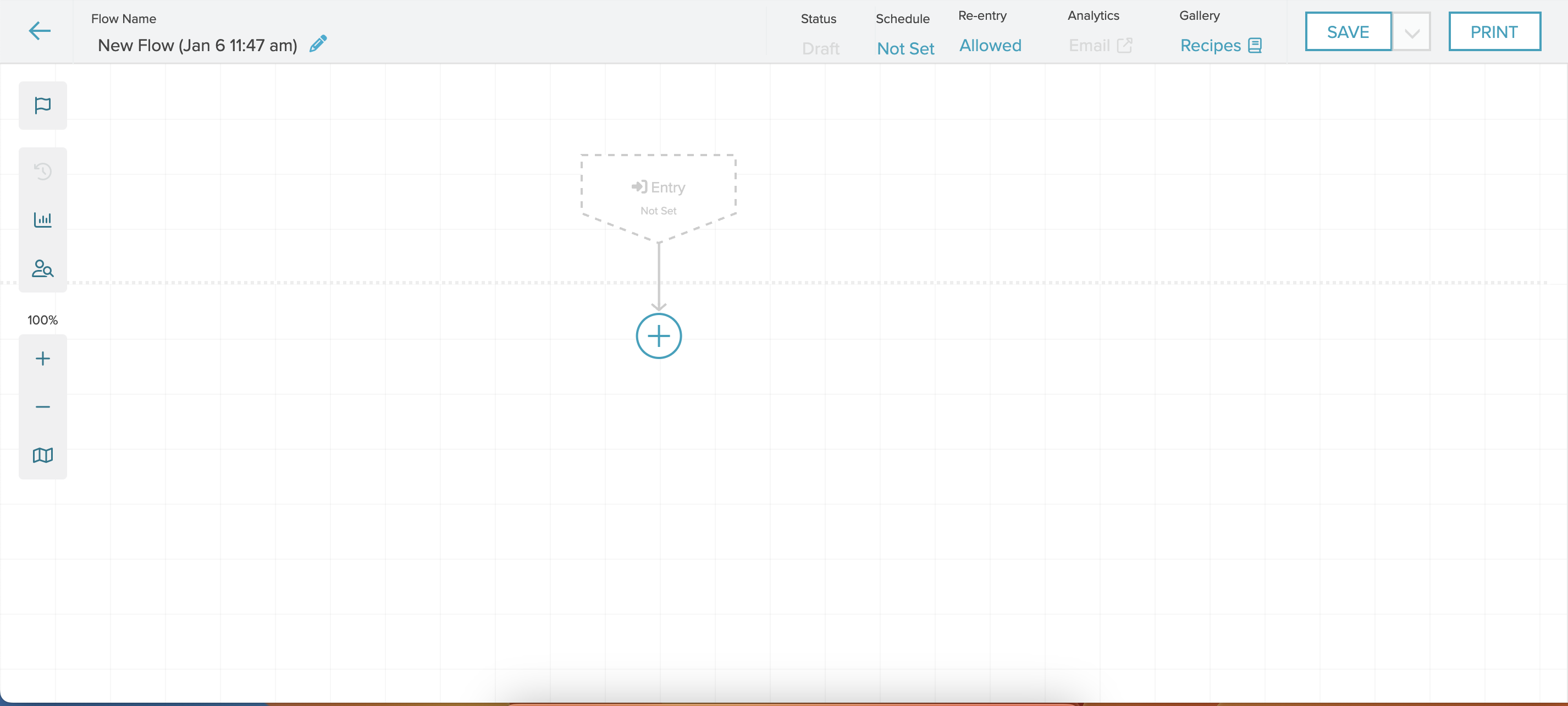
Lifecycle Optimizer
-
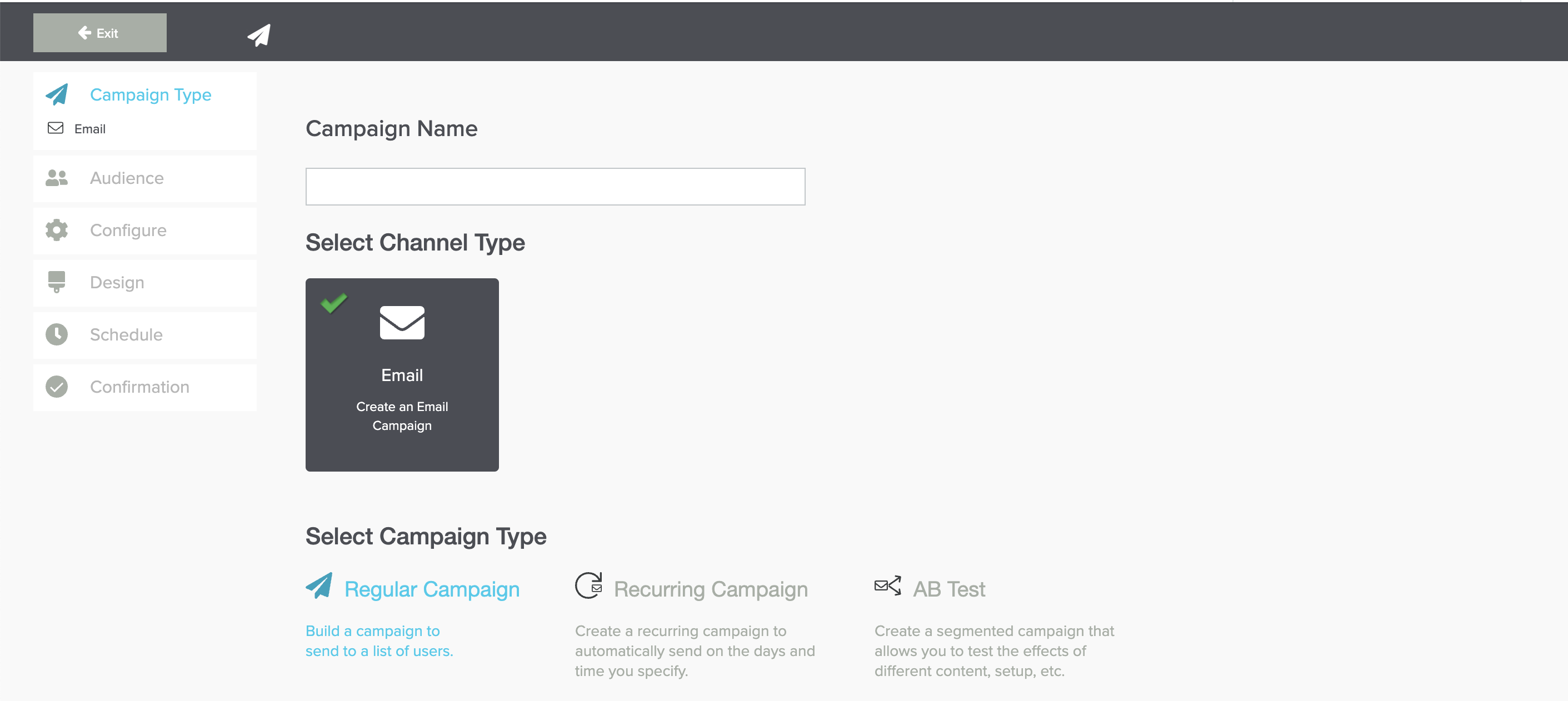
Campaigns
- Templates
-
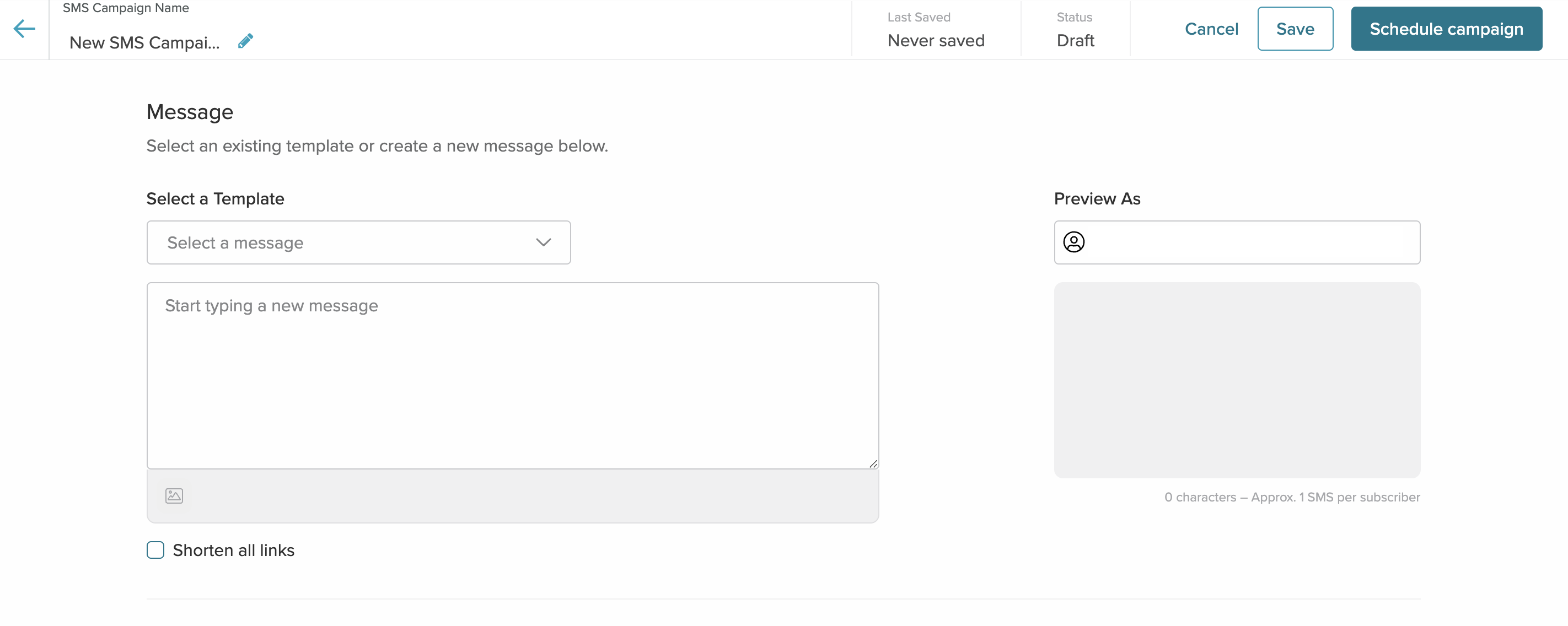
SMS messaging
-
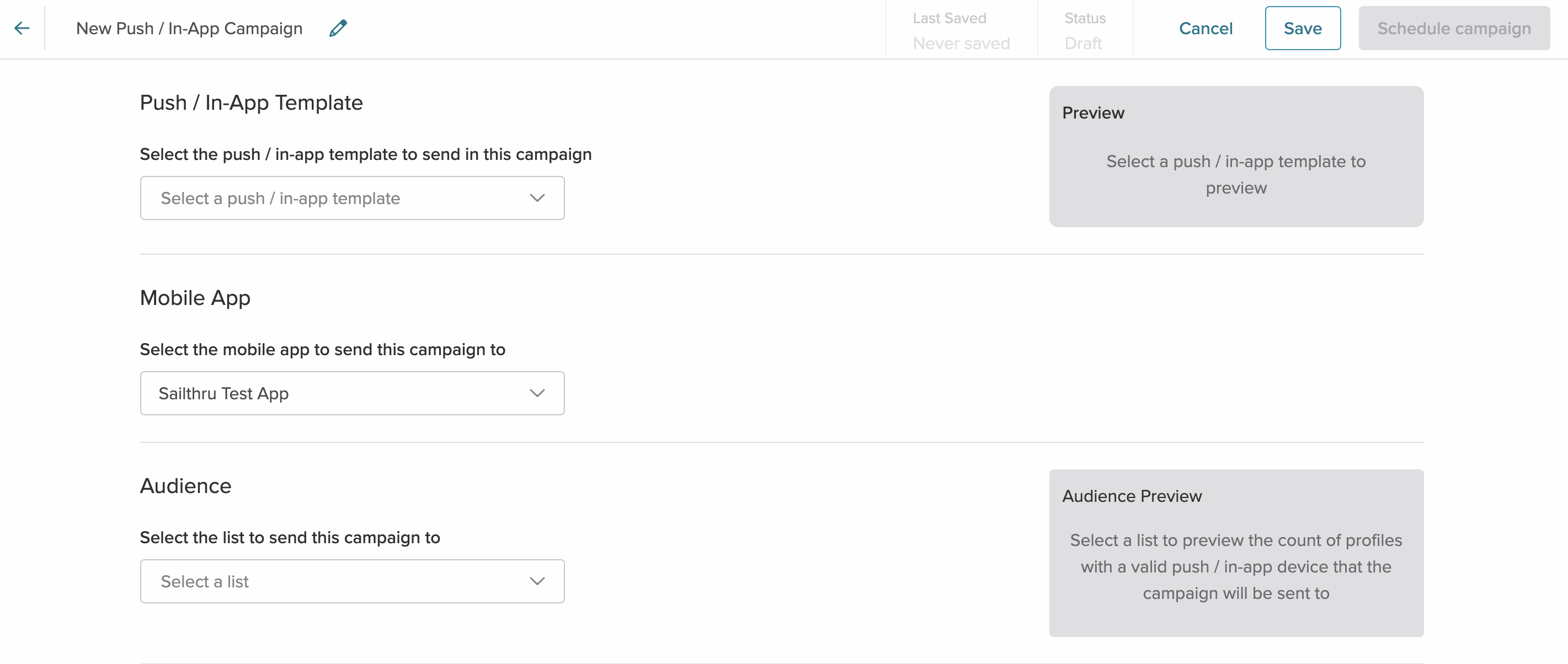
Push and In-App messaging
Users
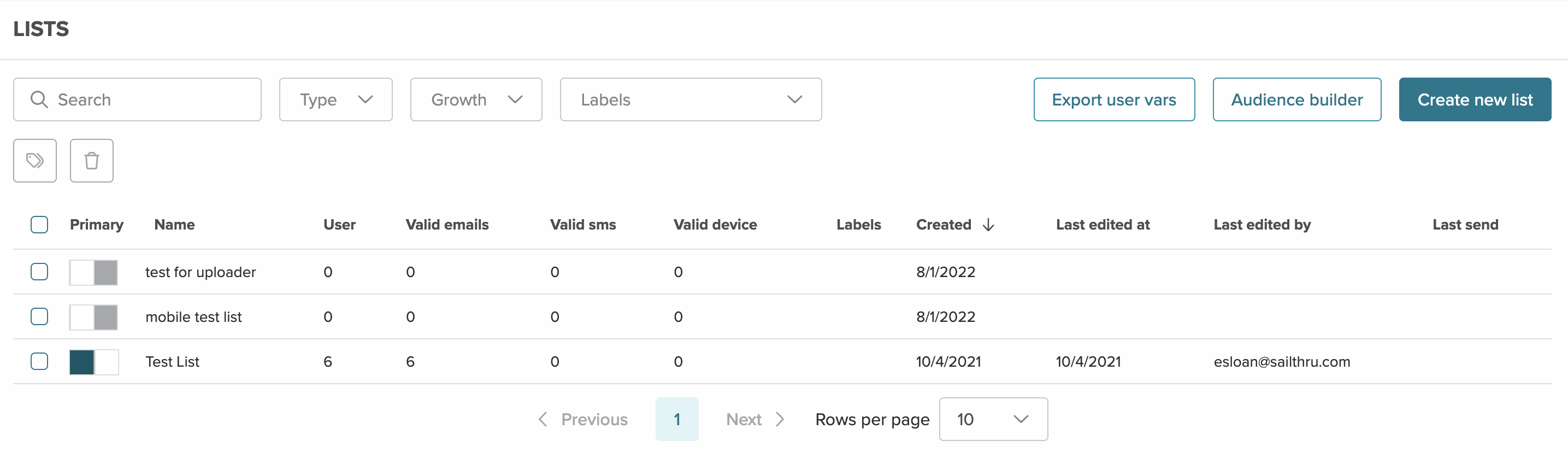
Harness the wealth of data across user profiles using a wide range of highly customizablecriteria. For any groups of users that you identify, create static Natural Lists, create dynamically updating Smart Lists, view ad-hoc user Snapshot Reports, or make bulk updates to users’ profile data or status.
Select the image following the text to see a full-screen view of the platform area.
-
Lists
-
Audience Builder
Content
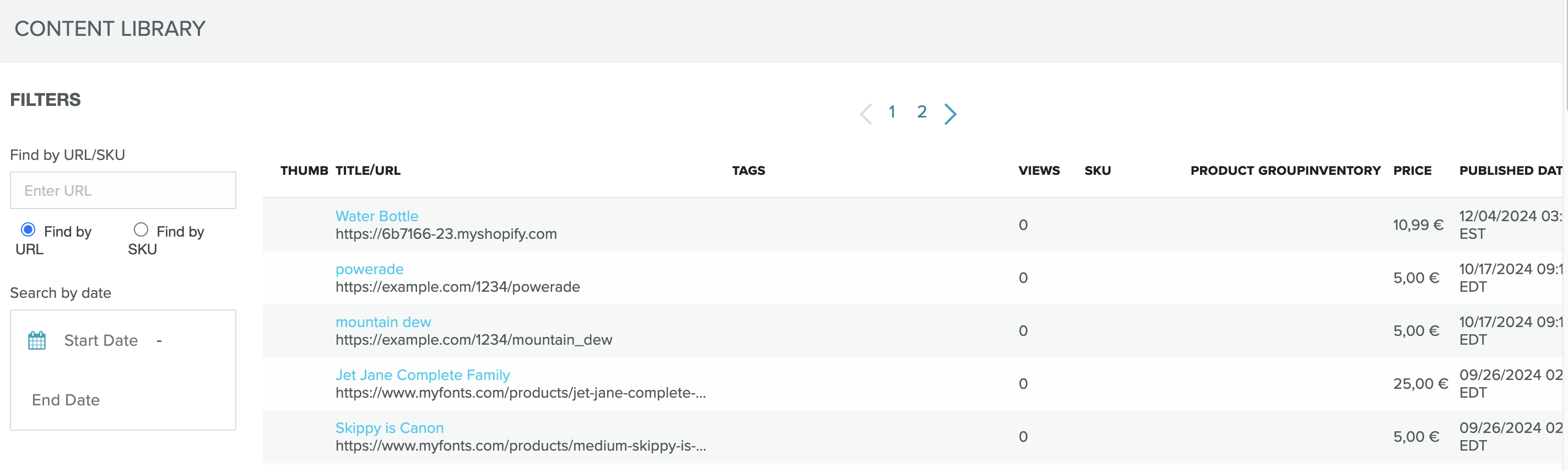
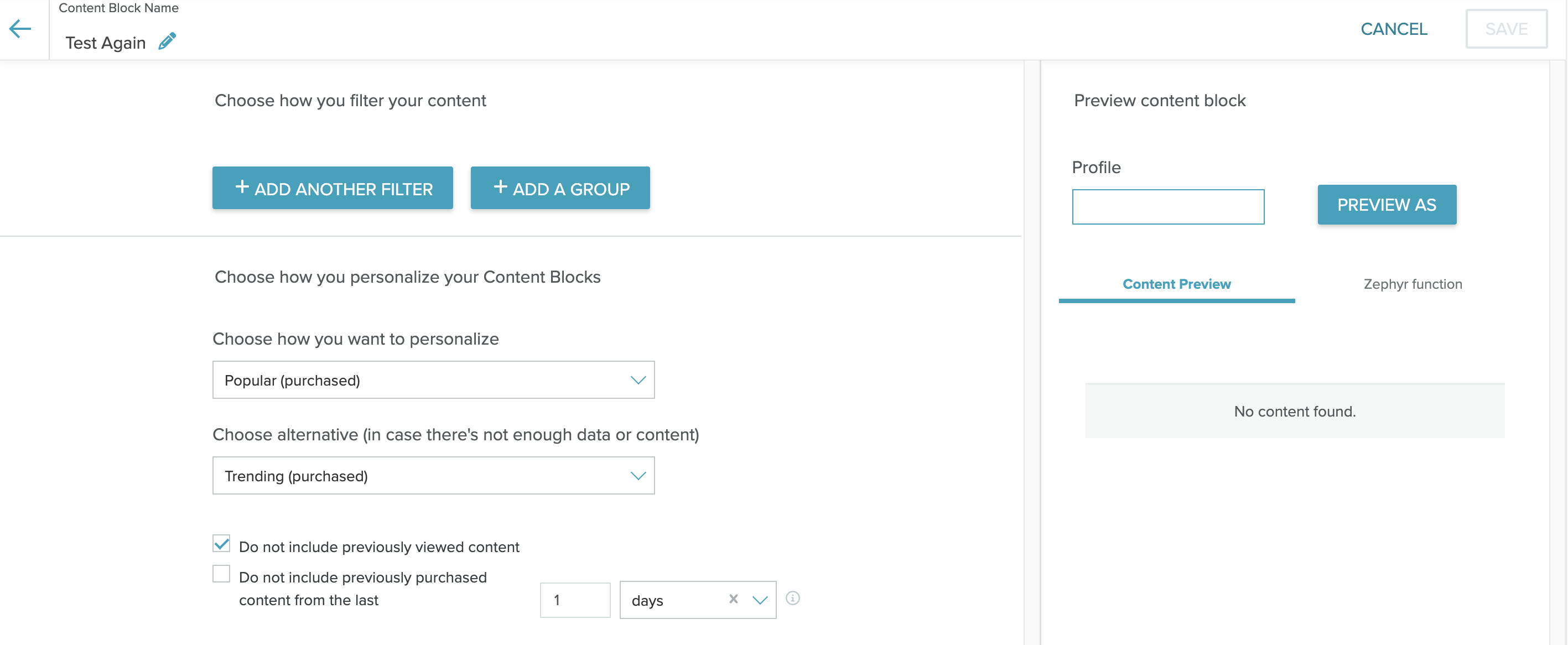
The Sailthru platform offers a robust set of content management options.
Select the image following the text to see a full-screen view of the platform area.
-
Content Library
-
Content Blocks
-
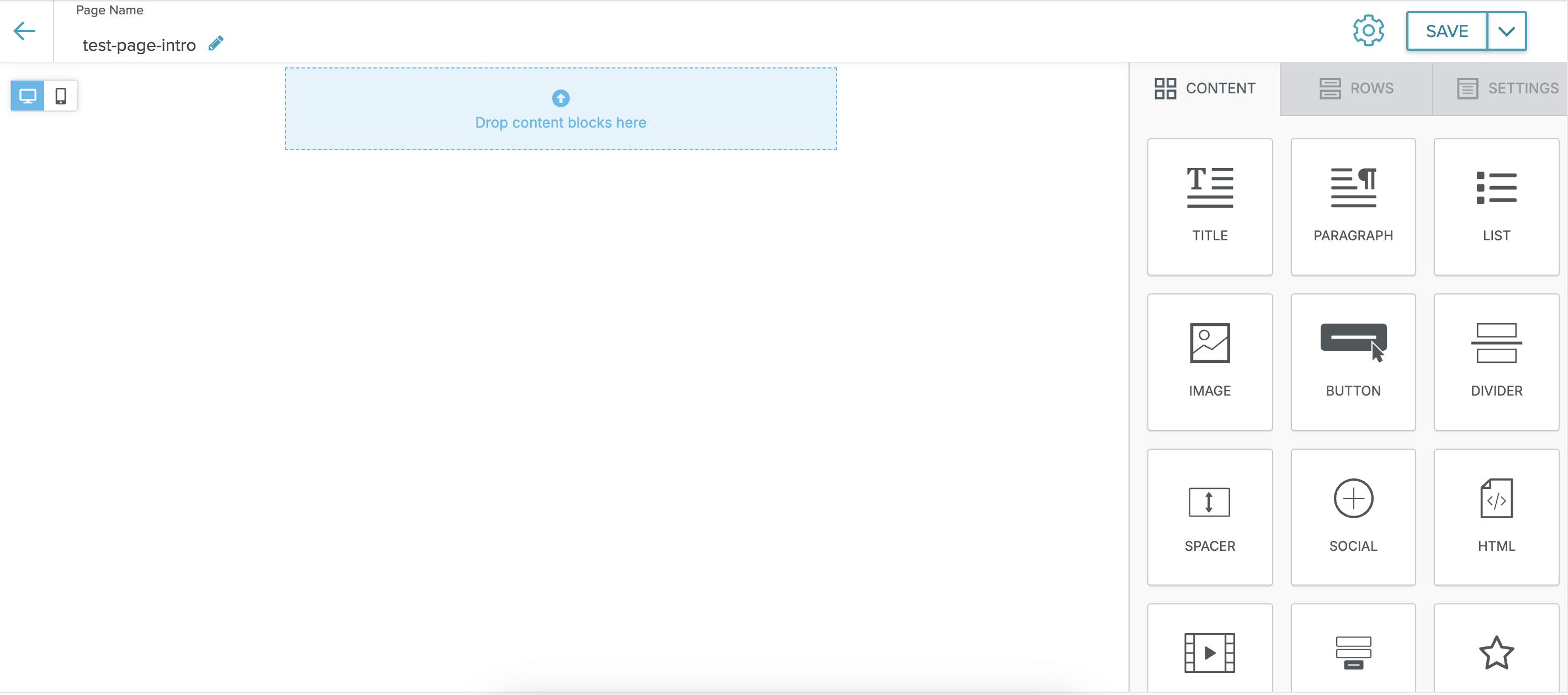
Hosted Pages
Settings
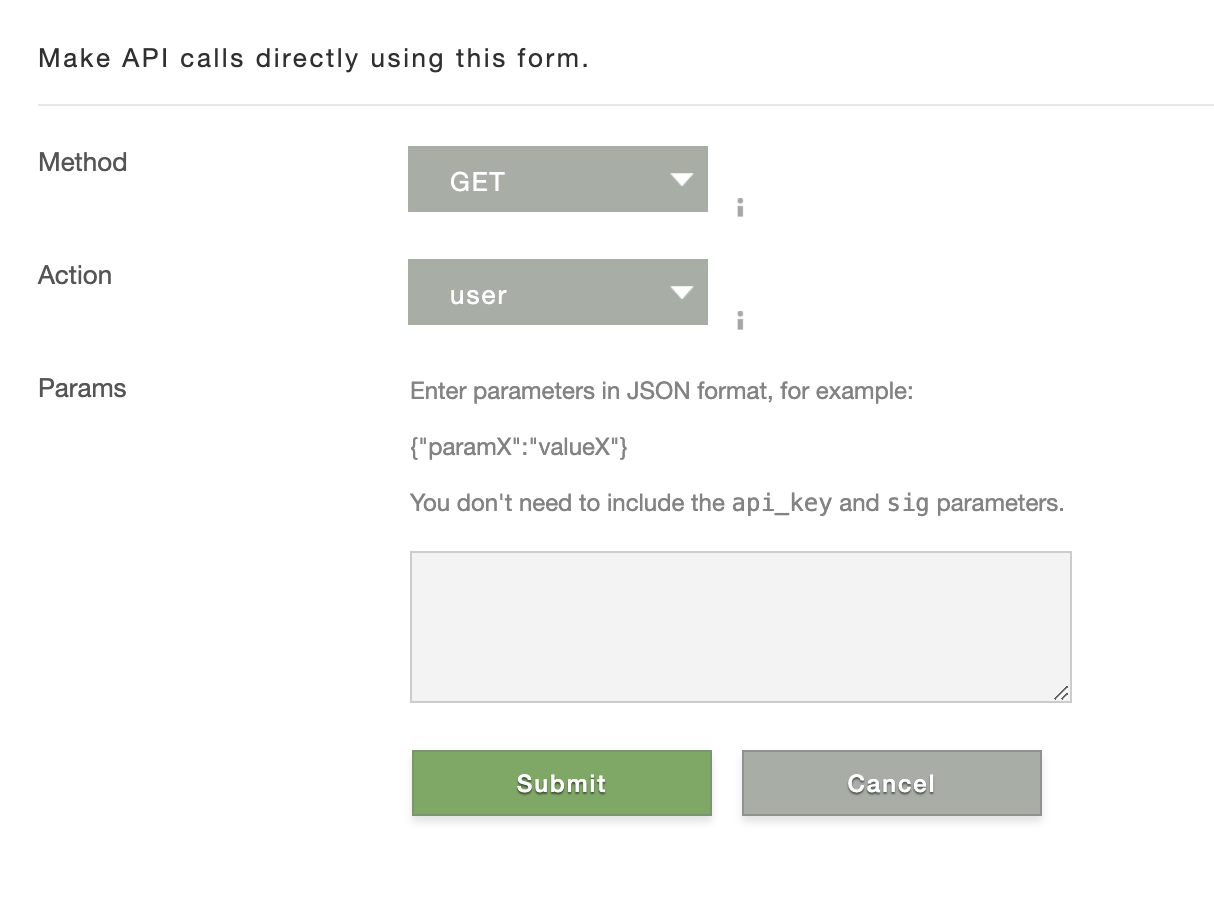
Manage your account configuration and access the API test tool, which allows you to send individual API calls against your live Sailthru data.
Select the image following the text to see a full-screen view of the platform area.
-
API Test

-
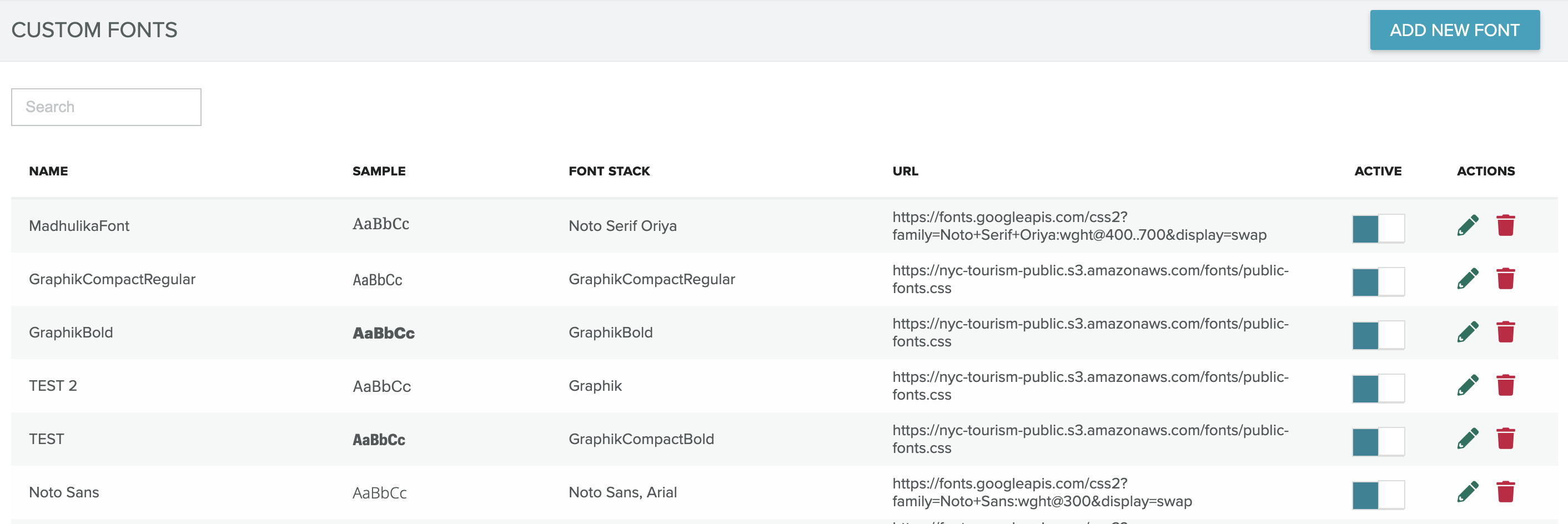
Setup (the image shows the Custom Fonts screen, accessible from the Setup menu)
-
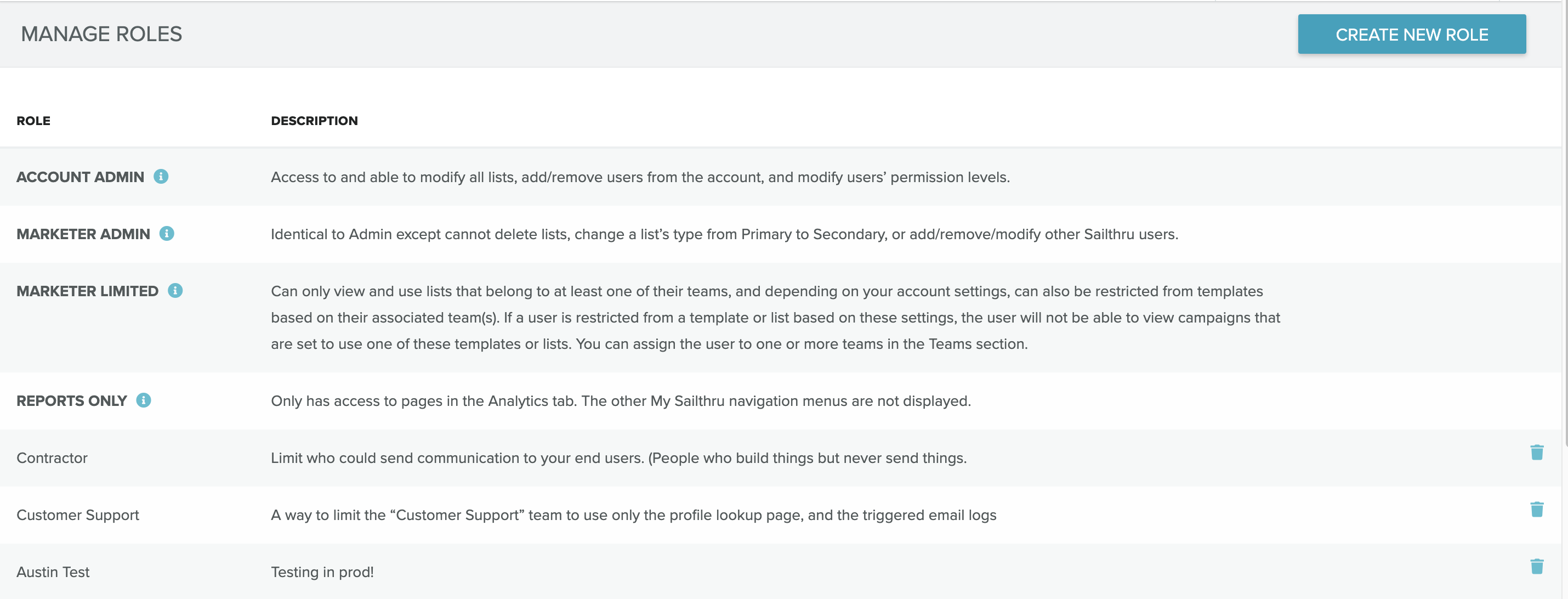
Permissions
What can I do with Sailthru?
Build meaningful connections
Connect with each visitor to grow your audience.
Overlays
| Engage users while they browse your site as a way to grow your audience. |
|
Hosted pages
| Create customized sign-up forms, preference centers, surveys, and thank you pages. |
|
Social media integrations
| Streamline your leads to create or update a subscriber profile. |
|
Deepen personalization
Drive an emotional connection at scale, so you can reach customers in the right channel and at the right time.
Audience Builder
| Harness the wealth of real-time data across subscriber profiles using a wide range of highly customizable criteria. |
|
Onsite personalization and recommendations
| Automate, personalize, and drive engagement with your website to automatically suggest content based on user interest. |
|
Analytics
| Get in-depth, actionable insights into your campaigns and subscriber behavior, helping you make data-driven decisions that drive better results. |
|
Marigold Grow
| Connect with your subscribers through innovative and interactive experiences. |
|
Cultivate loyalty
Delight your customers with personalized conversations, offers, rewards, and more.
Lifecycle Optimizer
| Empowers you to create personalized experiences by defining and automating the best possible paths of interactions with your audiences |
|
Real-time recommendations
| Build one-on-one connections in your messaging with your subscribers based on their real-time interactions and behaviors. |
|